You’ve found a coding class that looks great, and then you see the word “online”. Will your child really learn through a screen? Will they stay focused, or drift off after ten minutes? It’s a fair worry, and the honest answer depends on what kind of online class it is.
Quick answer: Yes, live online coding classes work very well for most children, often better than group classes in a centre, because the teacher can see your child’s screen and help the moment they get stuck. What matters is that the class is live, small (ideally one-to-one) and built around projects. Pre-recorded videos on their own suit only older, self-motivated children. At iCodejr, every class in our packages is live, online and one-to-one, with the same teacher each week.
Is learning to code online as good as in a classroom?
For learning to code, the format matters less than the teacher’s attention. Here’s how the three usual formats stack up:
| Live online, one-to-one | In-person group class | Recorded online course | |
|---|---|---|---|
| Teacher’s attention | Your child has it for the whole lesson | Split between everyone in the room | Nobody is watching live |
| Help when stuck | Straight away, because the teacher can see the screen | When the teacher reaches your child | Help videos, forums or you |
| Travel | No travel | A drive each way | No travel |
| Pace | Your child’s own pace | The group’s pace | Your child’s own pace |
| Time with other children | At events and competitions | Every lesson | Hardly any |
| Best for | Most children, especially beginners and busy families | Children who love working in a group | Older children who motivate themselves |
Where in-person classes really win is time with other children. You can add that in other ways: coding competitions and events, such as Code Battle, our free inter-school hackathon, give children a chance to build with a team and show their work to judges.
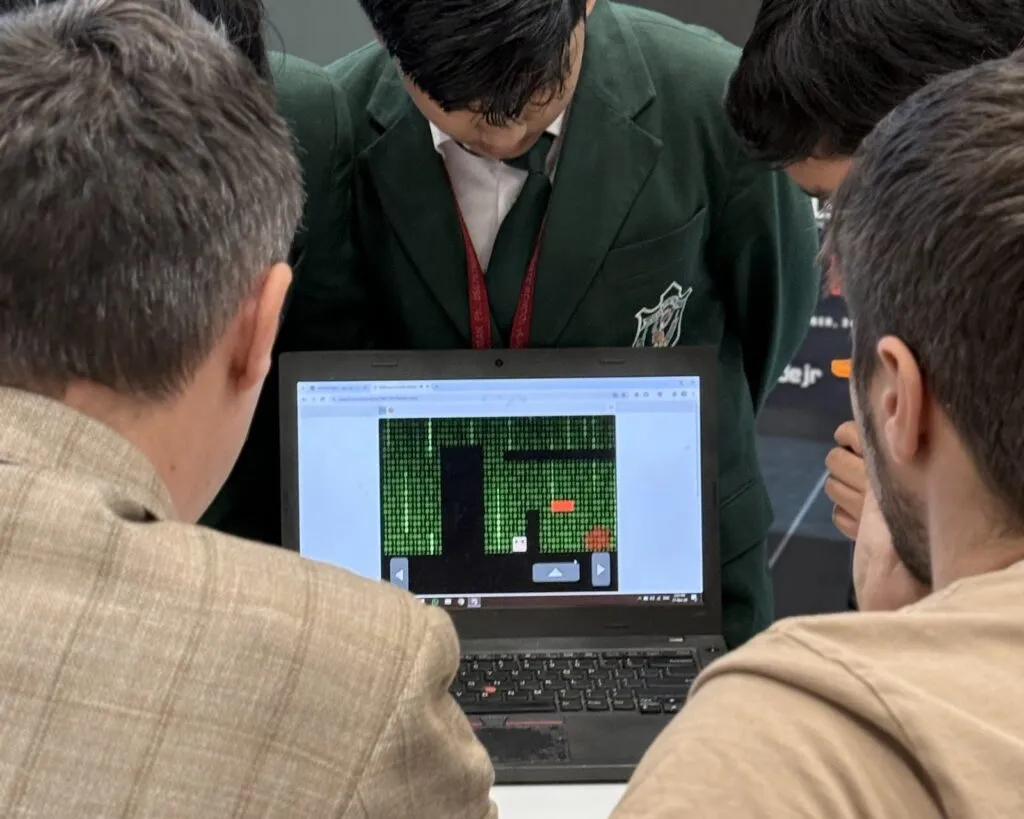
How does a live online coding class work?
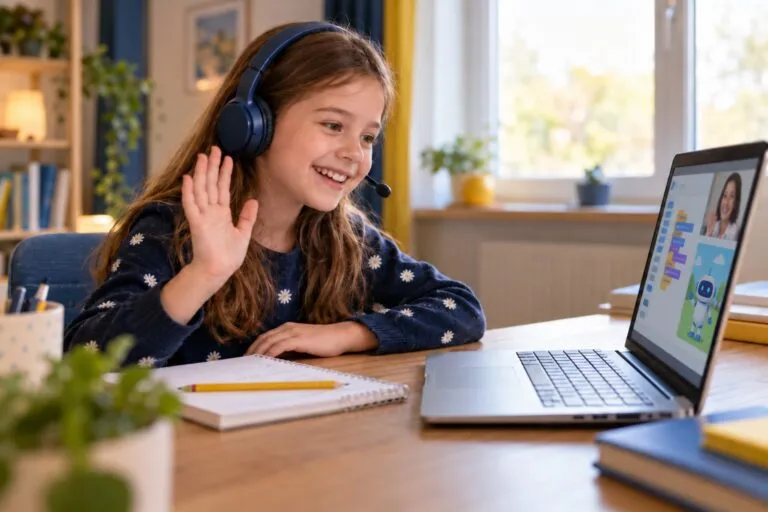
A good live class feels much more like sitting next to a tutor than watching a video. At iCodejr, a typical lesson goes like this:
- Your child joins a video call with their teacher at the booked time: 50 minutes, or 40 for ages 5–6.
- They share their screen, so the teacher sees every block or line of code as it’s written.
- They build a small project, such as a game level, an animation, a robot movement or an AI model, with the teacher guiding rather than doing it for them.
- When something breaks, the teacher helps your child find the bug themselves.
- They finish with something that works, and an idea of what to add next time.
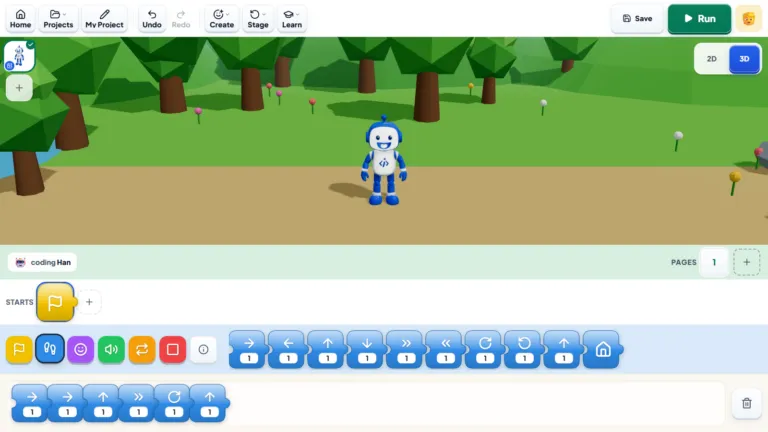
Younger children code in kid-friendly tools such as our own Bloqi environment and ScratchJr, then Scratch, and older ones move on to Python and other real languages, including AI projects. In online robotics classes, the kit sits on your child’s desk and the teacher watches the build over the camera. Not sure which to start with? Read robotics or coding: which first?
“Honestly, I don’t mind when students make mistakes. I get more worried when they’re afraid to try something new.”
— Sakshi K, iCodejr teacher
See how it works with your own child
Book a free one-to-one online class in coding, robotics or AI. Sit in for a few minutes, watch how the teacher works with your child, and decide afterwards. No payment needed.
What does my child need at home?
Less than most parents expect:
- A laptop or desktop computer with a camera and microphone. Ages 5–6 use a tablet instead.
- A steady internet connection. Normal home broadband is enough.
- Headphones, especially if siblings are nearby.
- A quiet corner where they can sit for the lesson. For robotics, a table where a half-finished build can stay.
Children under about seven usually need a parent nearby for the first few lessons, mostly to help with the computer. After that, most manage on their own.
Do online classes work for young children?
Yes, with the right length and format. Five and six-year-olds learn best in shorter, playful lessons, so in our KG-1 learning path they’re 40 minutes on a tablet, using picture blocks rather than typing. From 7, children can manage a 50-minute lesson on a computer. Our guide to what age kids should start coding explains what fits each age.
How to tell if an online coding class is good
Whichever provider you’re looking at, these are the signs of a good online class:
- It’s live, not a video library with occasional check-ins.
- Your child gets real attention: one-to-one or a very small group.
- They build projects, not just exercises, and can show you what they made.
- The same teacher works with your child each week, so they know where your child left off.
- You hear how it’s going, through updates on progress rather than silence until the end of a course.
- There’s a free trial, so your child can try it before you pay.
- Times fit your week, including weekends.
A useful test during a trial: does your child talk? A good class is chatty. If your child sits silently nodding, the lesson is being delivered at them. Our guide on how to choose coding classes for kids in the UAE has a longer checklist.
Online coding classes "near me": why location matters less
When classes are online, “near me” stops meaning “close enough to drive to”. A family in Al Ain or Ras Al Khaimah gets the same teacher and the same curriculum as a family in Dubai Marina, and nobody spends an hour in traffic. What still matters is time zone and timing. At iCodejr, classes run in the morning, afternoon, evening and at weekends, in English or Arabic, so they fit around the UAE school week, including short Fridays.
If you’re comparing local options as well, our guide to the best coding classes for kids in Dubai covers centres, school clubs and camps too.
“My son absolutely loves his coding lessons. He’s always keen to show us what he’s been working on, which is rather nice because we don’t usually hear much about his school day!”
— James P., parent of Oliver, Dubai
How much do online coding classes cost?
At iCodejr, your child’s first class is free. After that, live one-to-one classes cost from AED 60 to AED 75 each plus VAT, depending on the package, and one package covers coding, robotics, AI and maths. Our prices guide explains how packages work and how to compare providers.
Ask about this season's offer before you choose
We run offers several times a year, including in winter and summer. Before you choose a package, message us and we'll tell you what's on right now.
Frequently asked questions
Do online coding classes actually work for kids?
Yes, for most children, as long as the classes are live, small and project-based. A teacher who can see your child’s screen can help faster than in most group classes.
Which is better for kids: online or in-person coding classes?
For learning to code, live one-to-one online classes usually give more teacher attention. In-person classes offer more time with other children, which events and competitions can also provide.
How long is an online coding class?
Our lessons last 50 minutes from age 7, and 40 minutes for 5 and 6-year-olds.
What does my child need for online coding classes?
A laptop or desktop with a camera and microphone (a tablet for ages 5–6), a steady internet connection and ideally headphones.
Can a 5-year-old learn coding online?
Yes, in short lessons made for their age. Our 5–6 year olds learn on a tablet with picture blocks in 40-minute classes, and a parent nearby helps at first.
Are your online classes one-to-one or in groups?
Every class in our packages is one-to-one: one teacher and one child.
Will my child have the same teacher every week?
Yes. Your child keeps the same teacher, who knows their projects and where they left off.
When can my child take online classes?
Mornings, afternoons, evenings and weekends, so classes can fit around school, including shorter Fridays.
Can my child learn to code online in Arabic?
Yes. Any of our classes can be taught in Arabic or English, whichever your child prefers.
Can we try an online class before paying?
Yes. The first class is free and one-to-one, and you can take a free trial in coding and another in robotics if you’re deciding between them. Our guide to coding trial classes explains what happens in one.
Ready to see how your child gets on? Book a free online class, or explore all our online coding classes for kids.