Ages 10-18
48 Sessions
2 Modules
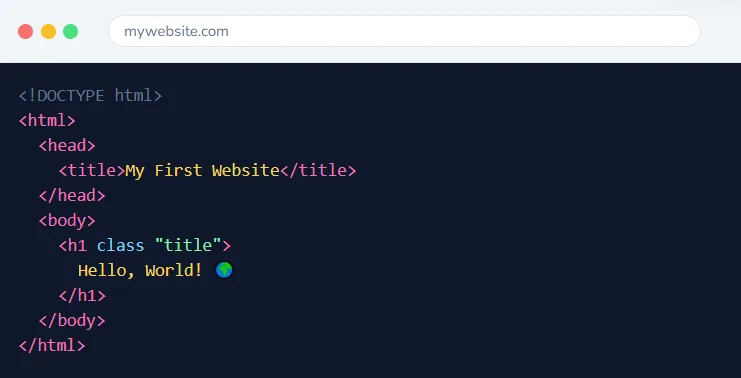
Build Real Websites

Web Development Classes for Kids & Teen

Complete web development journey from HTML basics to React applications. Build real websites and interactive apps across 48 sessions in 2 comprehensive modules.


48 Sessions
2 Modules
16+ Projects
Live 1-on-1

This Course Includes

48 Live 1-on-1 Sessions
Dedicated Expert Instructor
45-Minute Classes
Flexible Scheduling
Certificate on Completion
Parent Progress Reports
4.9/5

Parent Rating

500+

Happy Students

100%

Completion Rate

95%

Skill Improvement

Two Comprehensive Modules

A complete web development journey from your first HTML tag to building React applications.


Module 1

HTML & CSS Foundations

Master the building blocks of the web. Create beautifully styled, responsive websites from scratch.
24 Sessions:

HTML & CSS Foundations

HTML5CSS3FlexboxBootstrap

Module 2

JavaScript & React

Add interactivity with JavaScript and build modern web apps with React. Introduction to backend with Node.js.
24 Sessions:

JavaScript & React

UI/UXJavaScriptNode.jsReact

Complete 48-Session Curriculum

From First Web Page to React Applications

A structured journey through web development, from HTML basics to building modern React apps.

Level 1

Web Basics: Introduction to HTML

Sessions 1-5
Discover how websites work and create your first web pages. Learn HTML fundamentals and set up your development environment.
Sessions 1-2:

Web Foundations

What websites areFrontend vs backendHow browsers workDevelopment tools setup
Sessions 3-5:

First HTML Pages

HTML structureTags and elementsCodePen/ReplitPersonal webpage creation

Projects Your Child Will Build
Personal Webpage
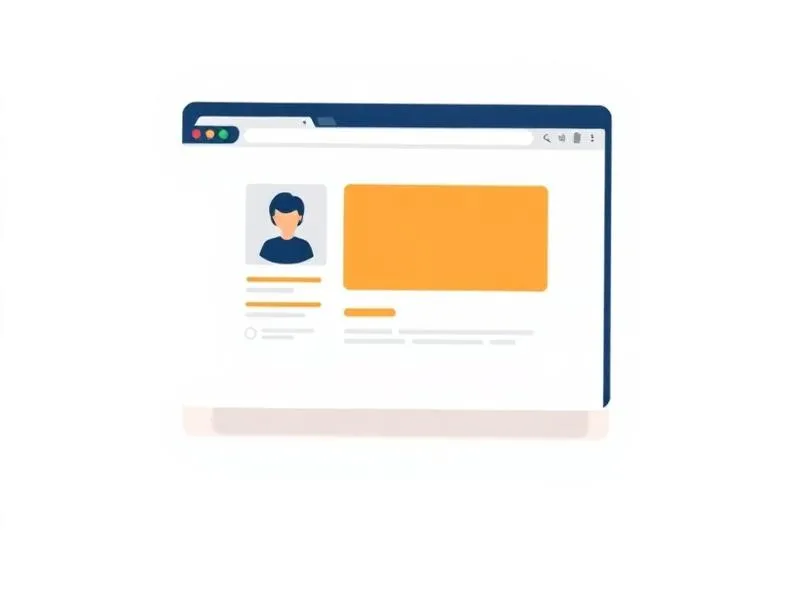
Personal Webpage

Create your first webpage with text, images, and links
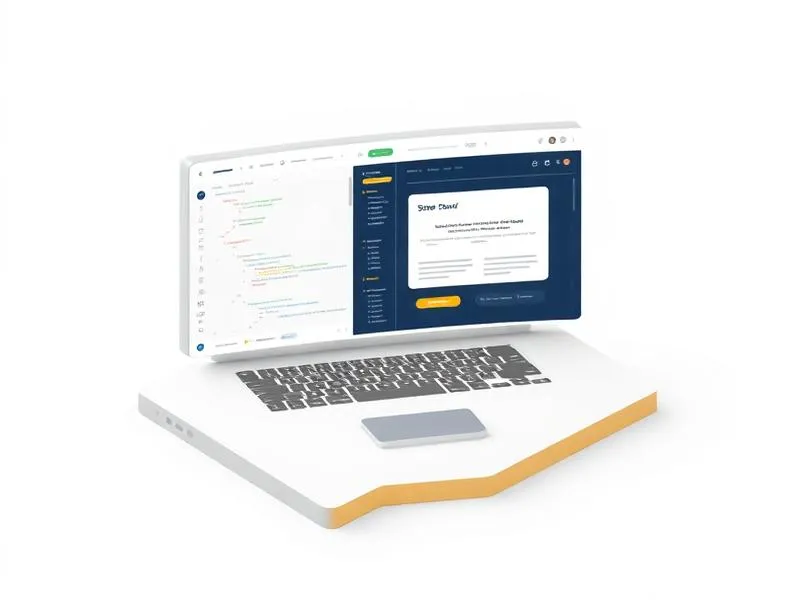
Online Portfolio Starter

Build and preview pages using online editors

Level 2

HTML Essentials: Forms & Styling Intro

Sessions 6-10
Master HTML elements like forms, tables, and lists. Begin styling with CSS and understand the connection between structure and design.
Sessions 6-8:

Advanced HTML Elements

div, span, img, anchorText formattingLists and tablesForms & input types
Sessions 9-10:

CSS Introduction

Inline vs internal vs external CSSBasic selectorsColor and typographyReview & practice

Projects Your Child Will Build
Contact Form Page
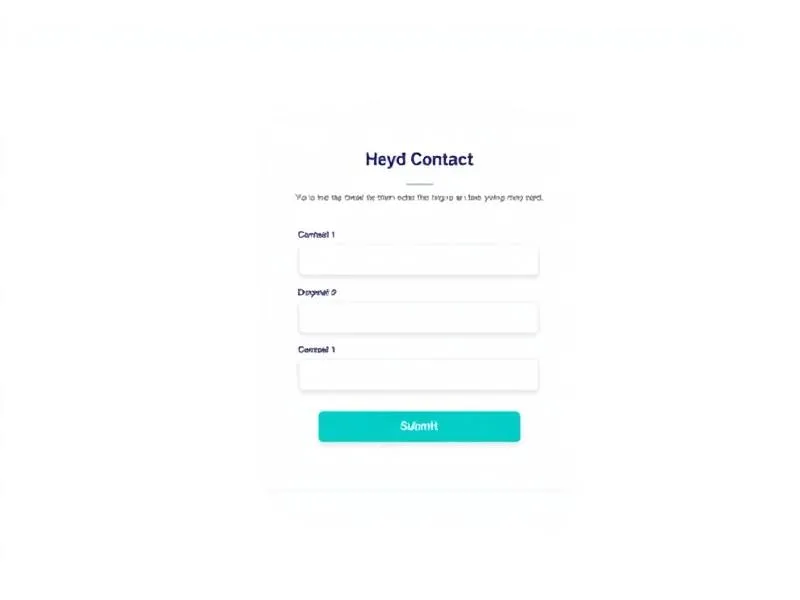
Contact Form Page

Build a functional form with various input types
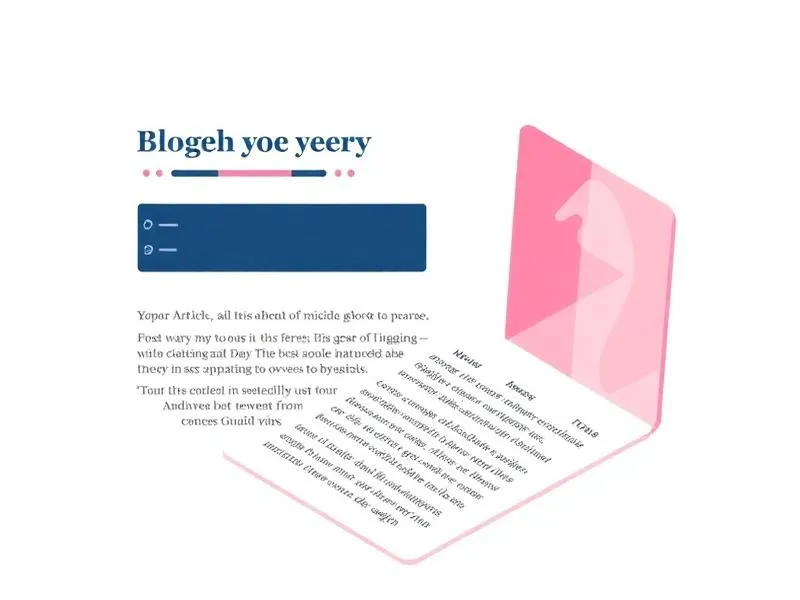
Styled Article Page
Styled Article Page

Create a formatted article with CSS styling

Level 3

CSS Core: Layout & Positioning

Sessions 11-15
Master CSS layout techniques including Box Model, Flexbox, and positioning. Build responsive, professional-looking page layouts.
Sessions 11-13:

Box Model & Positioning

Margin, padding, borderStatic, relative, absolute, fixedDisplay propertiesZ-index layering
Sessions 14-15:

Flexbox Layouts

Flex container propertiesFlex item alignmentResponsive flex layoutsLayout review

Projects Your Child Will Build
Card Layout Gallery
Card Layout Gallery

Build a responsive card-based gallery
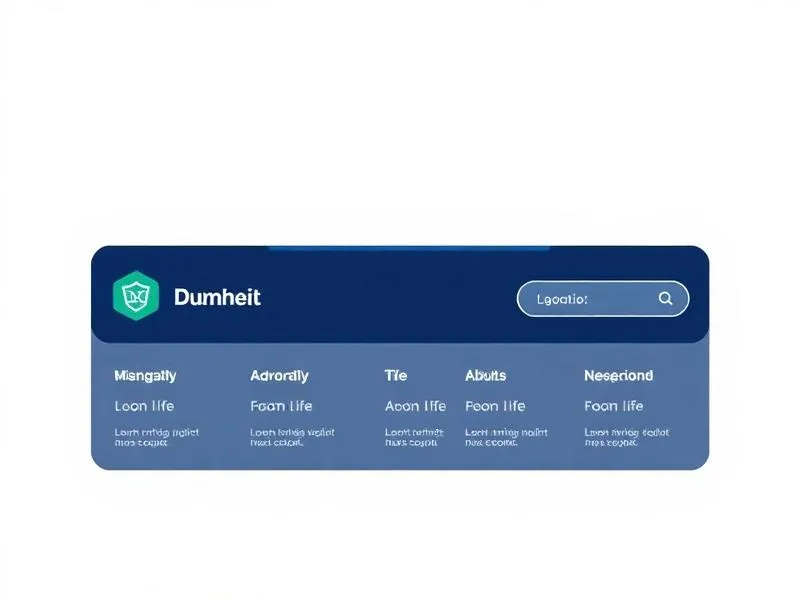
Navigation Bar
Navigation Bar

Create a professional navigation with Flexbox

Level 4

Advanced CSS & Capstone

Sessions 16-24
Learn CSS Grid, animations, Bootstrap framework, and build a fully responsive capstone website ready for your portfolio.
Sessions 16-19:

Advanced Techniques

CSS Grid layoutsMedia queries & breakpointsAnimations & transitionsBootstrap introduction
Sessions 14-15:

Flexbox Layouts

Project planningMulti-page websiteResponsive implementationFinal polish & deployment

Projects Your Child Will Build
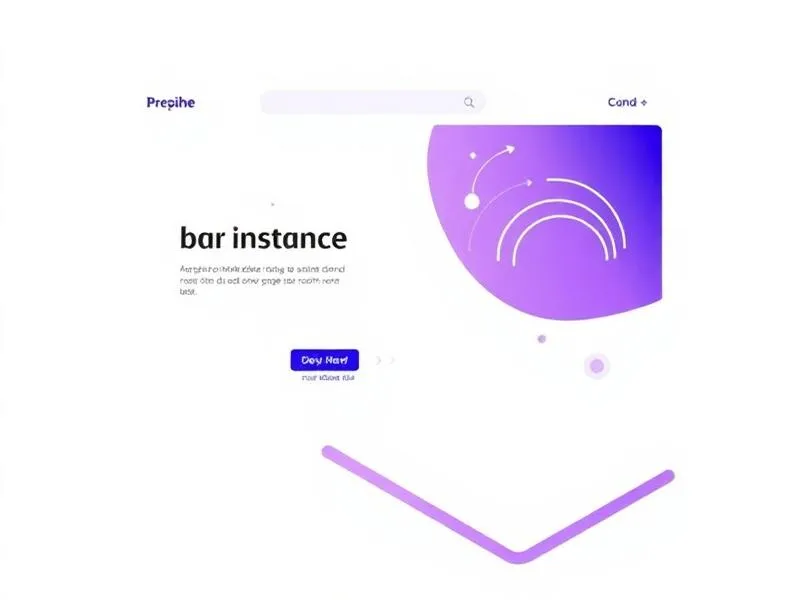
Animated Landing Page

Create a page with smooth animations and effects
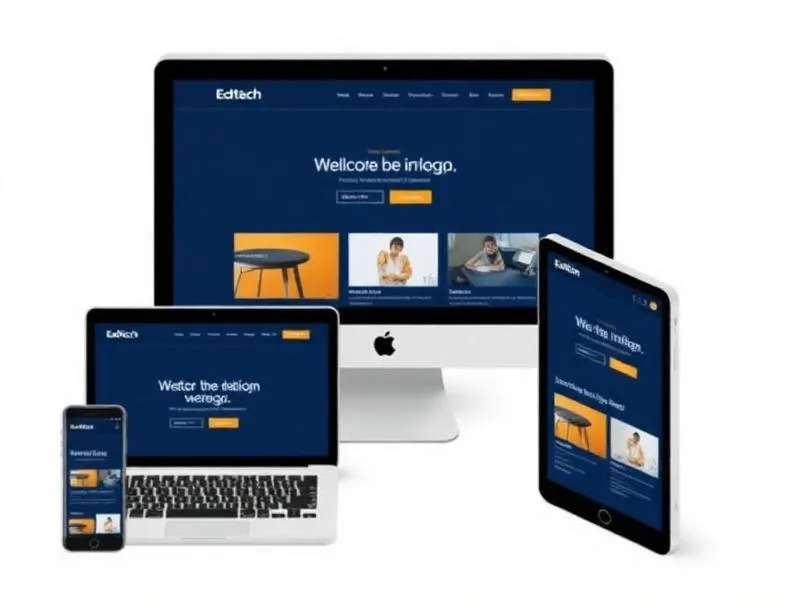
Responsive Capstone Website

Build and deploy your complete portfolio site
What Your Child Will Master

From booking to building projects — here’s what to expect

HTML Structure

Build semantic, accessible web pages

CSS Styling

Create beautiful, modern designs

JavaScript

Add interactivity and dynamic features

React Apps

Build modern component-based applications

How it works

How Classes Work

From booking to building projects — here’s what to expect
1

Book Free Trial

Schedule a no-obligation trial class at a time that works for your child

2

Get Matched

We pair your child with an instructor who matches their learning style

3

Start Learning

Live 45-minute classes via Zoom with real-time feedback and support

4

Build Projects

Create real projects, earn certificates, and track progress together

50 min

Class Duration

1-on-1

Private Sessions

24/7

Easy Rescheduling

Simple, Transparent Pricing

One complete program. Everything included. No hidden fees.


Complete Program

AED 3,120

Ages 10-18 • 48 sessions • AED 65/session

  • 48 live 1-on-1 sessions
  • 2 comprehensive modules
  • 16+ portfolio projects
  • HTML, CSS, JavaScript & React
  • Real website deployment
  • 2 Certificates of completion

What Parents Say

Join hundreds of happy parents who’ve seen their children thrive with iCodejr

“My daughter was shy about technology, but after just a few ScratchJr classes, she's now creating her own animated stories! The instructor was incredibly patient and made learning fun.”


“I was skeptical about online coding for such young children, but iCodejr proved me wrong. The structured curriculum and 1-on-1 attention keeps my son engaged throughout the class.”


“The progress reports are amazing — I can see exactly what my child is learning. She went from knowing nothing about coding to building her own games in just 3 months!”


“Both my twins take ScratchJr classes and they love showing off their projects to each other. The flexible scheduling makes it easy to fit into our busy family life.”


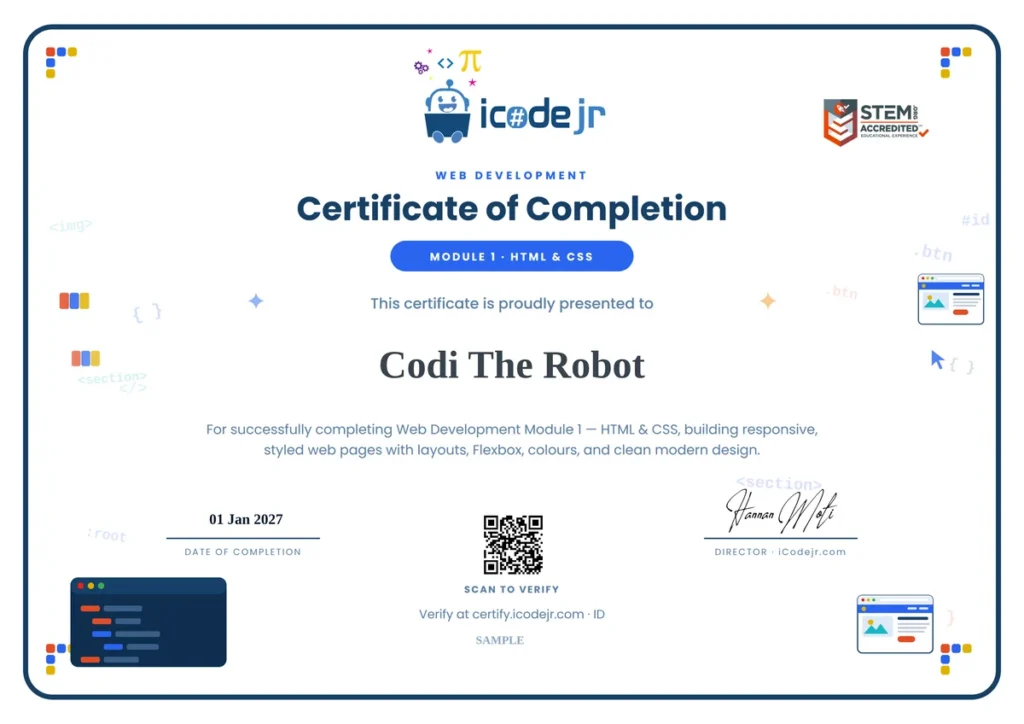
Earn Your Web Development Certificate

Celebrate your child’s achievement with an official iCodejr completion certificate a milestone they can proudly share with family and friends.

  • Personalized with your child’s name and photo
  • Lists all 36 skills and concepts mastered
  • Shareable digital certificate for portfolios
  • Pathway to Junior Tech Passport certification
  • Recognition of coding fundamentals achievement

Want a complete learning journey?

Got Questions?

Questions About Web Development?

Why learn HTML, CSS, JavaScript & React?

This complete web development journey covers everything from the foundation (HTML & CSS) to modern frameworks (React). Students start building websites immediately and progress to creating interactive web applications – the skills used by professional developers worldwide.

Module 1 (HTML & CSS) is ideal for ages 10-17. Module 2 (JavaScript & React) is recommended for ages 12-18, as it involves more abstract programming concepts. Students should complete Module 1 before starting Module 2.

We use free tools like VS Code (a professional code editor), online platforms like CodePen and Replit, and Node.js for Module 2. Everything works on Windows, Mac, or Chromebook.

In Module 1: Personal web pages, styled articles, contact forms, and a responsive portfolio website. In Module 2: Interactive apps with JavaScript, animated UI components, a QR code generator, and React applications.

Absolutely! Module 1 is a complete standalone course in HTML & CSS. Many students start with Module 1 and decide to continue to Module 2. We also offer a bundle discount for both modules together.

After completing both modules, students have a strong foundation for advanced React development, backend technologies like databases and APIs, or mobile app development with React Native.

Yes! By the end of each module, students deploy their projects to the web using free hosting. They’ll have real URLs to share with friends and family.

Each module consists of 24 sessions. With weekly classes, that’s about 6 months per module. Students can also opt for twice-weekly sessions to complete faster.