TinkerCAD 3D Design Classes for Kids
From basic shapes to complex 3D creations. Master professional 3D modelling through hands-on projects and expert 1-on-1 instruction. Designs ready for 3D printing!
This Course Includes
Parent Rating
Happy Students
Completion Rate
Skill Improvement
How Classes Work
Book Free Trial
Schedule a no-obligation trial class at a time that works for your child
Get Matched
We pair your child with an instructor who matches their learning style
Start Learning
Live 45-minute classes via Zoom with real-time feedback and support
Build Projects
Create real projects, earn certificates, and track progress together
Class Duration
Private Sessions
Easy Rescheduling
What Your Child Will Master
Master essential 3D design skills through hands-on projects and expert guidance
3D Modelling Mastery
Design accurate 3D models from scratch
Spatial Reasoning
Develop strong 3D thinking skills
Precision Design
Use measurements and alignment tools
Complex Assembly
Build multi-part detailed models
Creative Expression
Turn imagination into 3D reality
Portfolio Projects
Create 12+ showcase-worthy designs
From First Web Page to React Applications
A structured journey through web development, from HTML basics to building modern React apps.
3D Foundations
Interface & Navigation
Shape Manipulation
Projects Your Child Will Build
Simple Objects
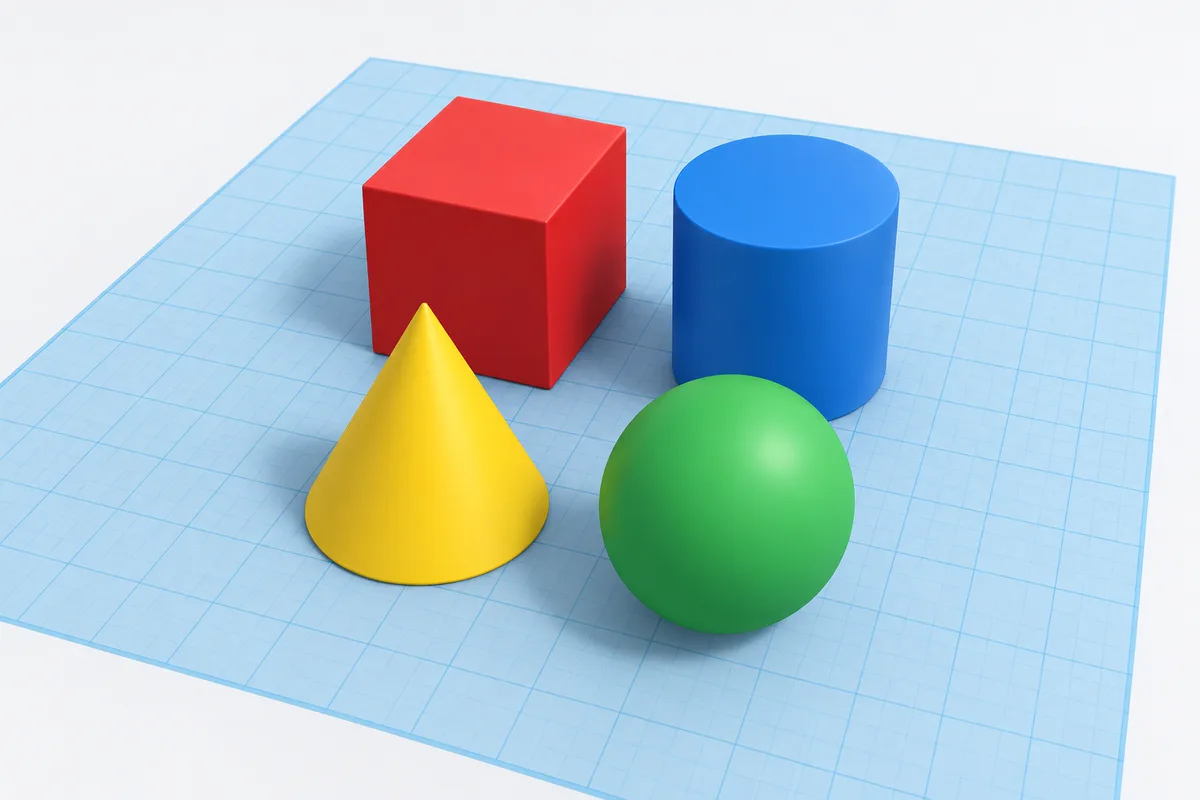
Create basic 3D shapes and structures
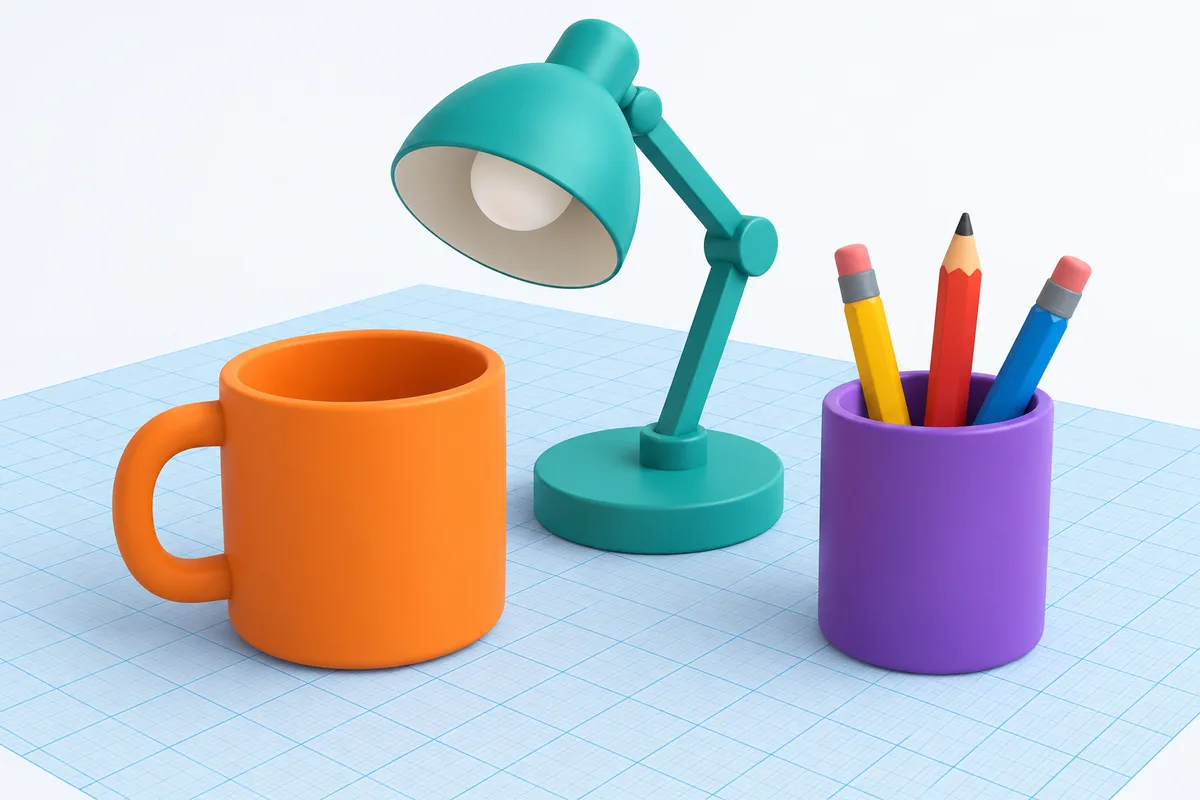
Household Items
Build recognizable objects from multiple shapes
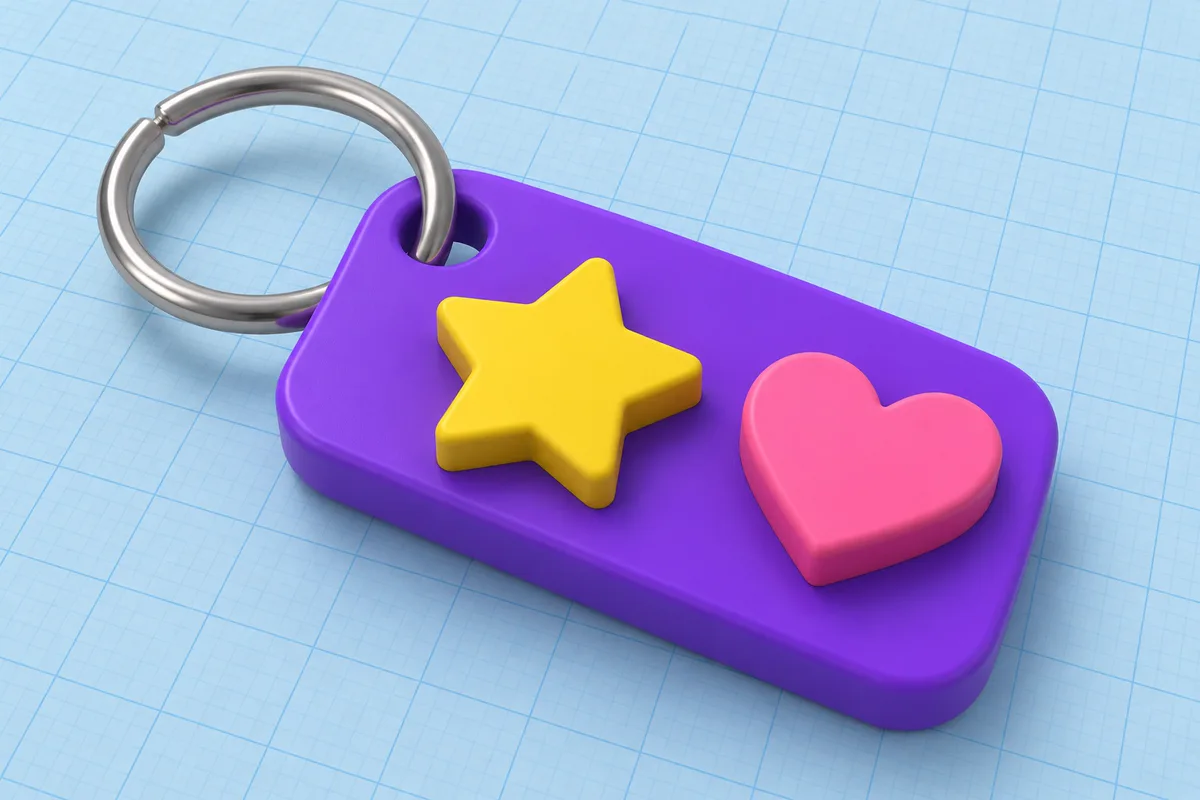
Name Tag
Design a personalized 3D name tag
Core Modelling Skills
Precision Building
Patterns & Curves
Projects Your Child Will Build
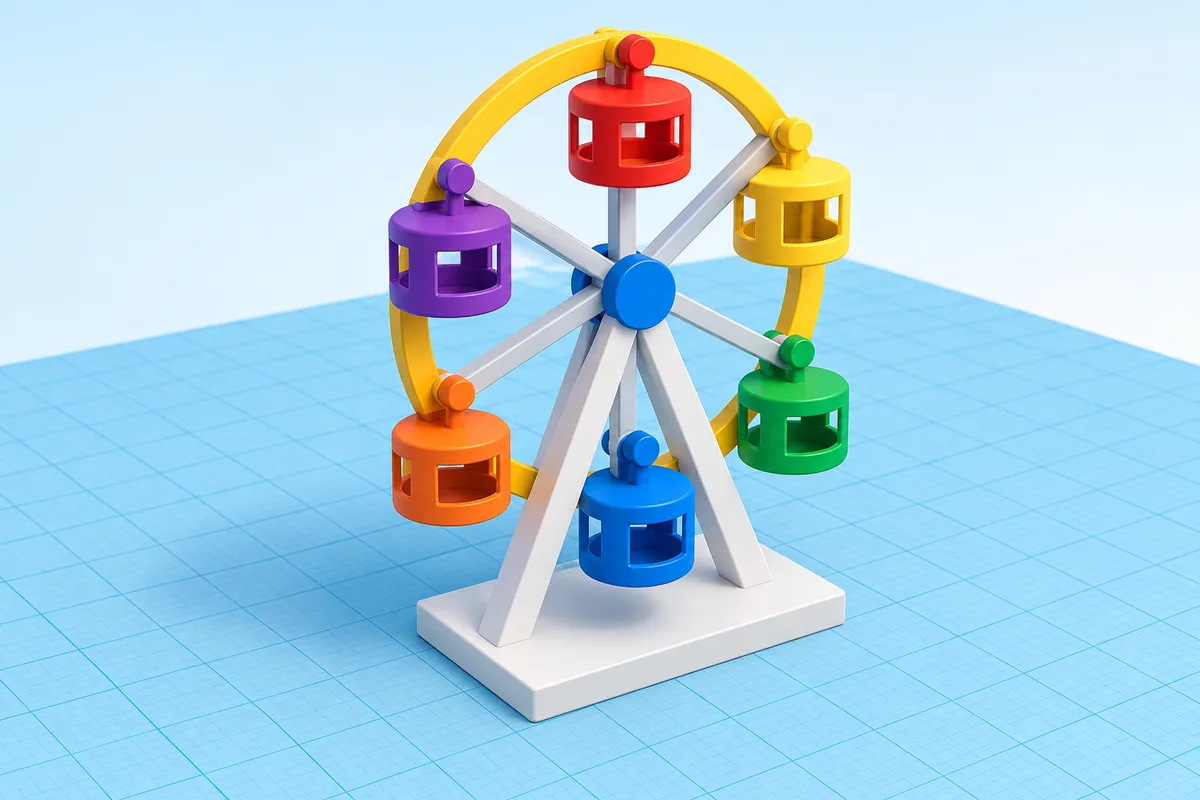
Ferris Wheel
Build a detailed Ferris wheel with circular patterns
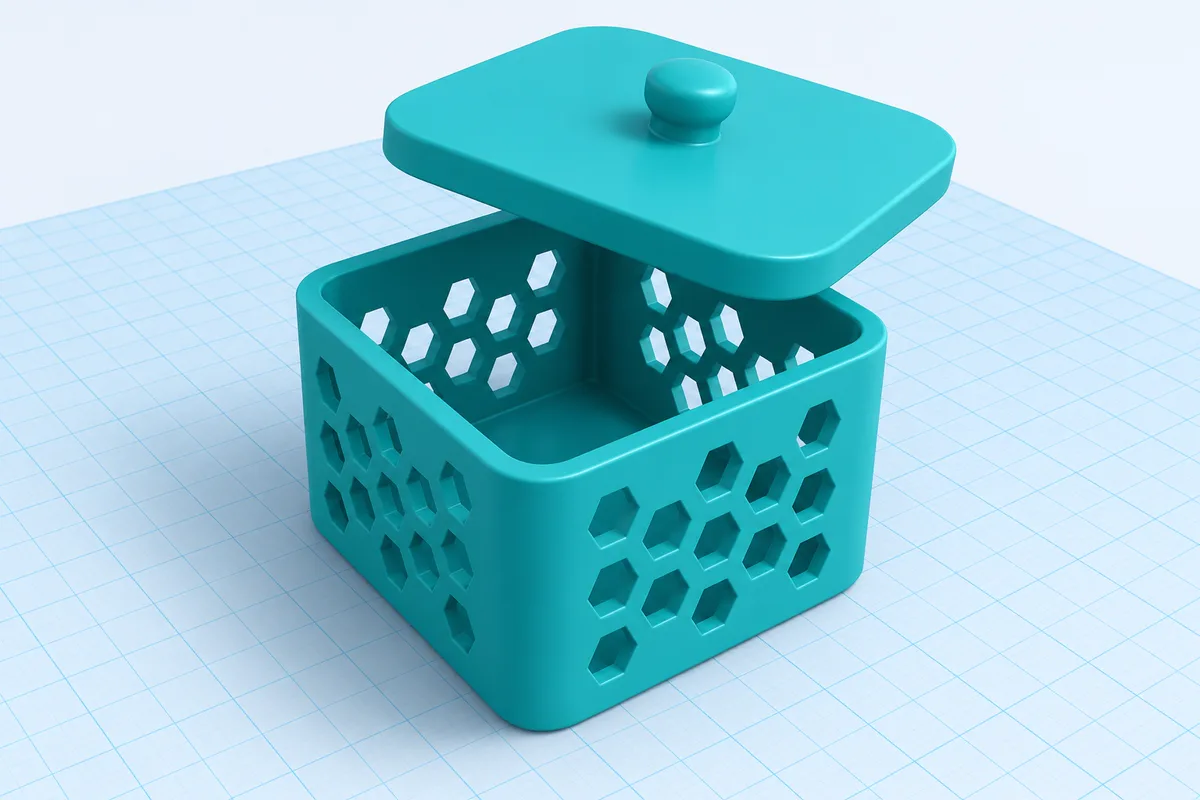
Custom Container
Design a functional box with precise dimensions
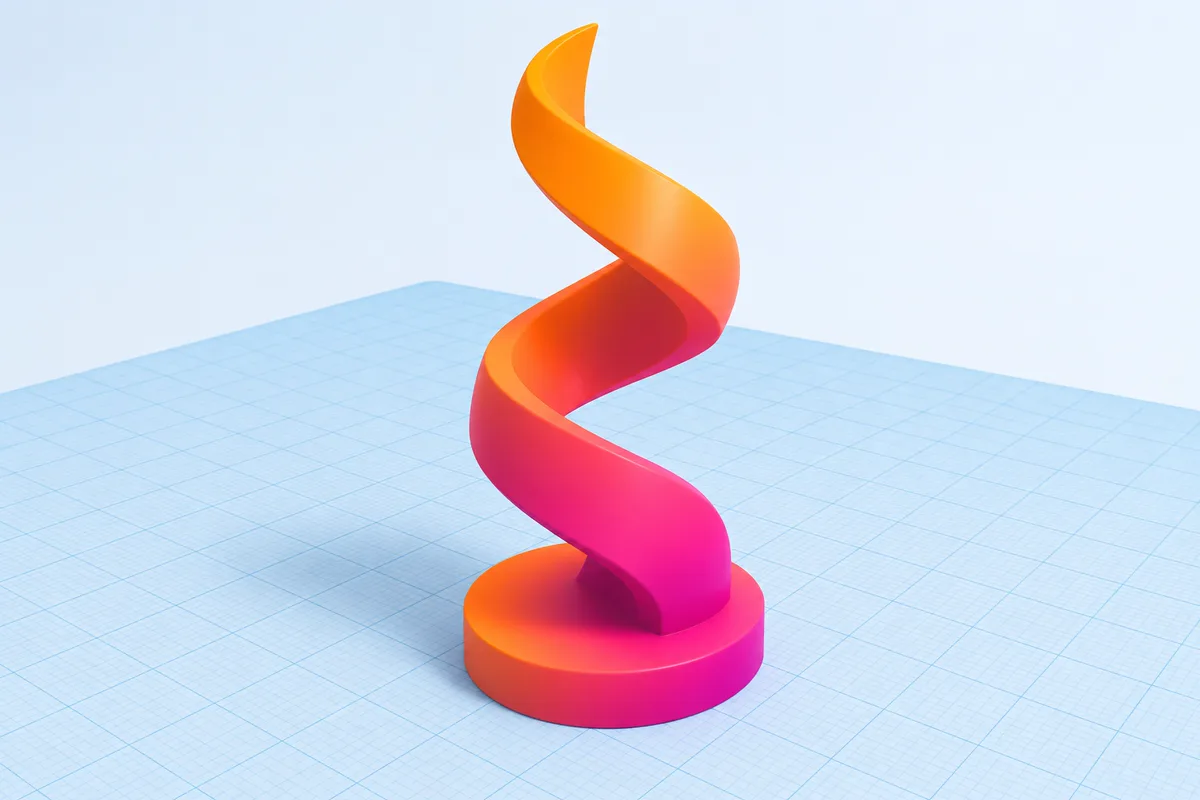
Curved Sculpture
Create organic shapes with the scribble tool
Advanced Modelling
Complex Assembly
Codeblocks & Advanced Shapes
Projects Your Child Will Build
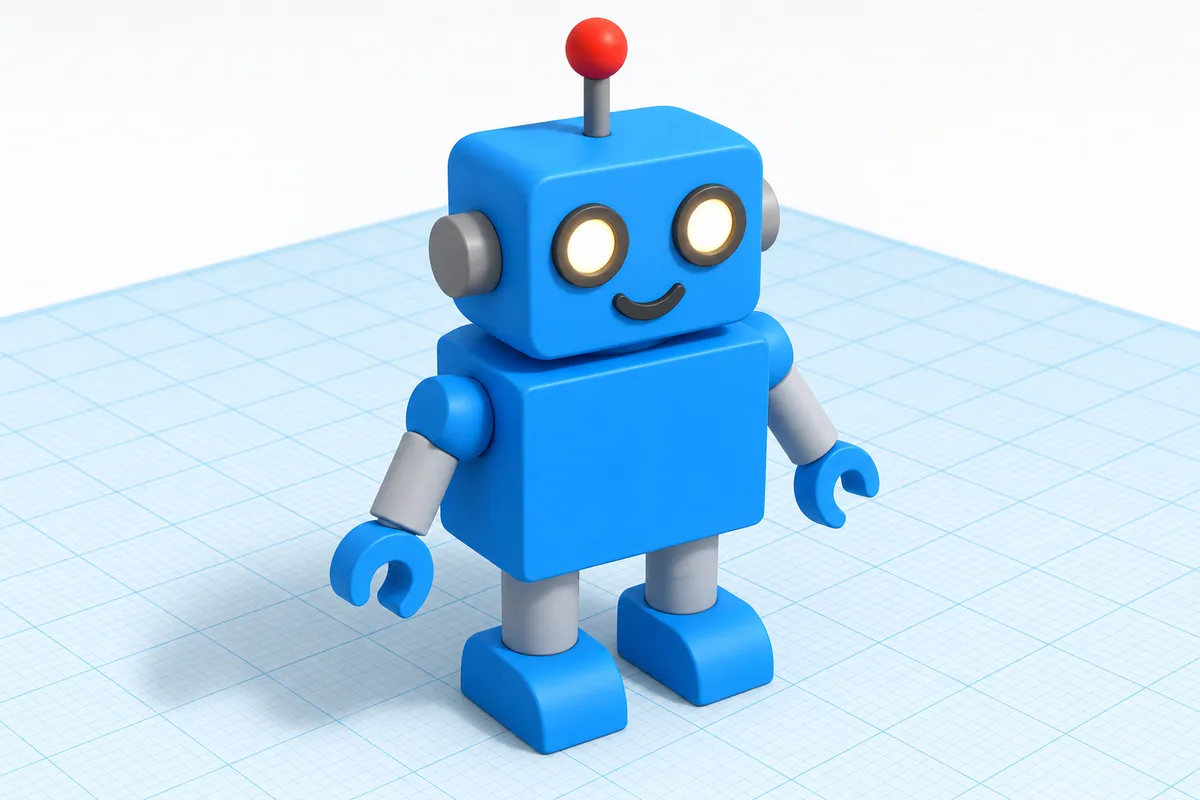
Robot Character
Build a detailed robot with multiple components
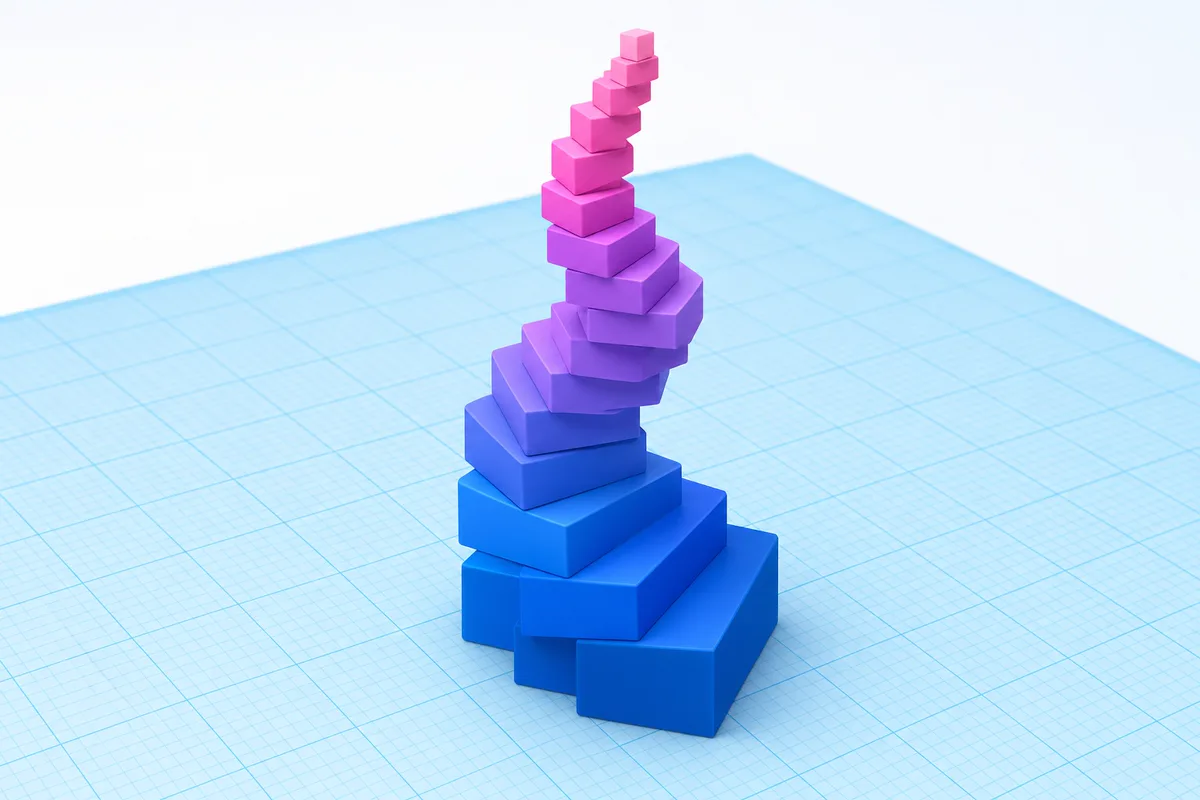
Parametric Art
Create patterns using Codeblocks programming
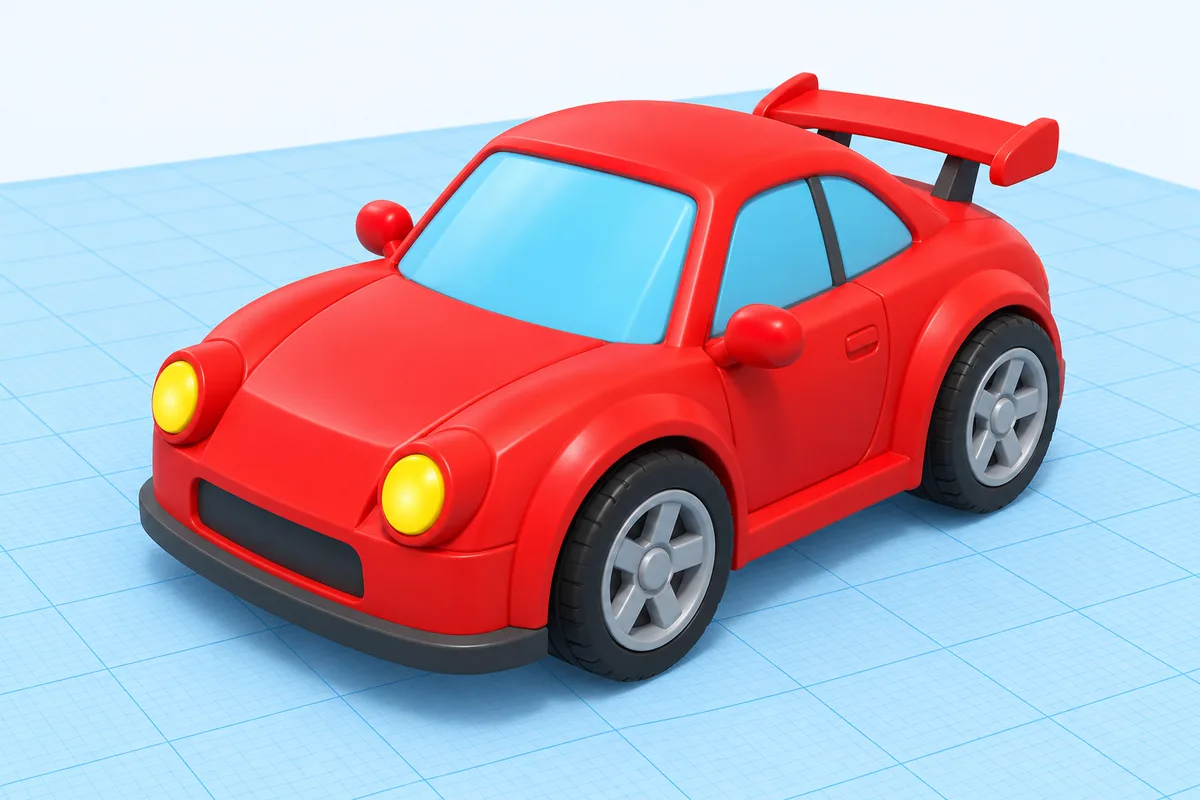
Detailed Vehicle
Design a car or plane with fine details
Creative Builds & Capstone
Multi-Object Projects
Capstone Project
Projects Your Child Will Build
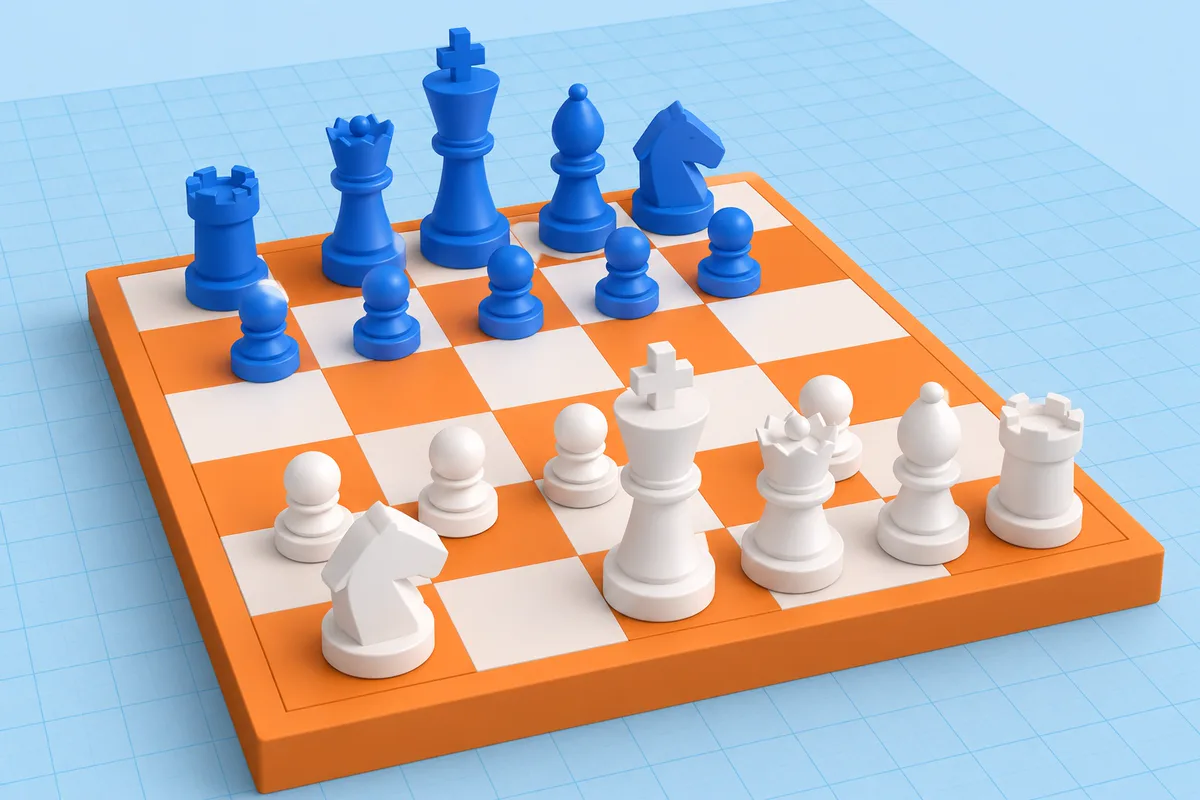
Chess Set
Design a complete chess set with unique pieces
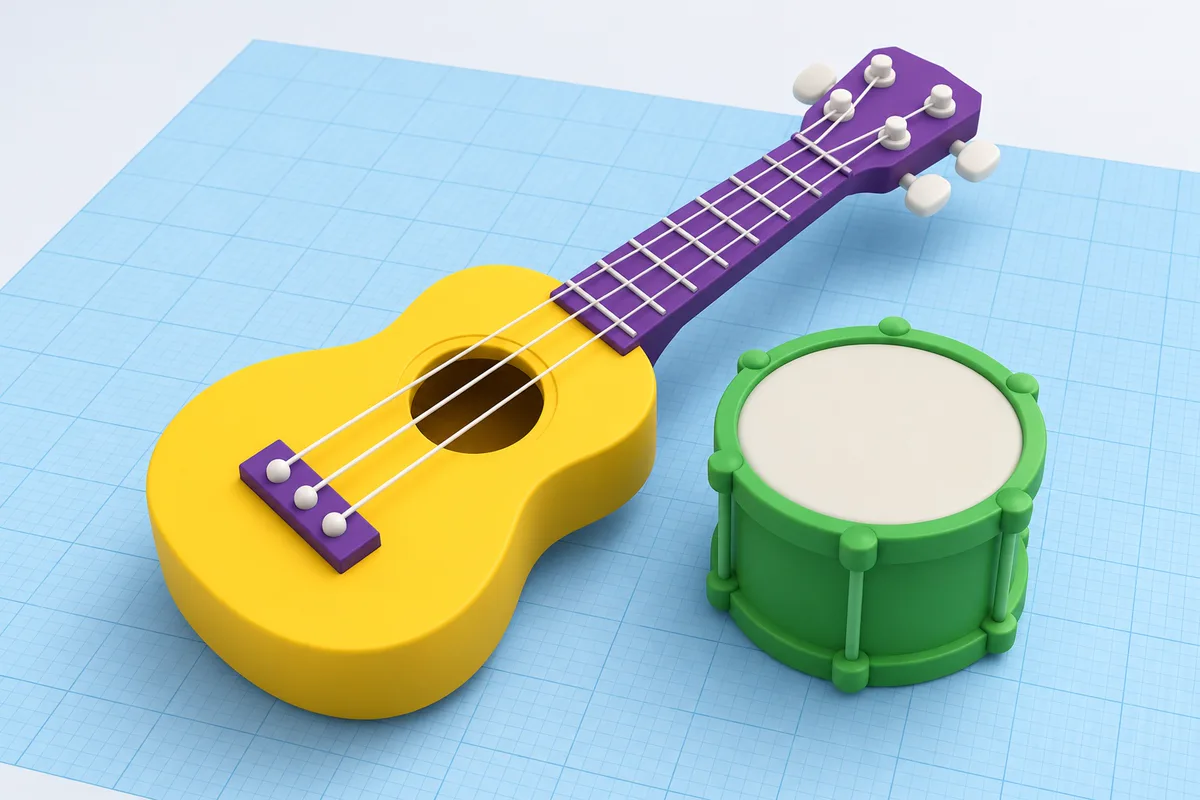
Musical Instrument
Build and deploy your complete portfolio site
Final Capstone
Plan, build, and present your own 3D creation
What Parents Say
Join hundreds of happy parents who’ve seen their children thrive with iCodejr
“My daughter was shy about technology, but after just a few ScratchJr classes, she's now creating her own animated stories! The instructor was incredibly patient and made learning fun.”
“I was skeptical about online coding for such young children, but iCodejr proved me wrong. The structured curriculum and 1-on-1 attention keeps my son engaged throughout the class.”
“The progress reports are amazing — I can see exactly what my child is learning. She went from knowing nothing about coding to building her own games in just 3 months!”
“Both my twins take ScratchJr classes and they love showing off their projects to each other. The flexible scheduling makes it easy to fit into our busy family life.”
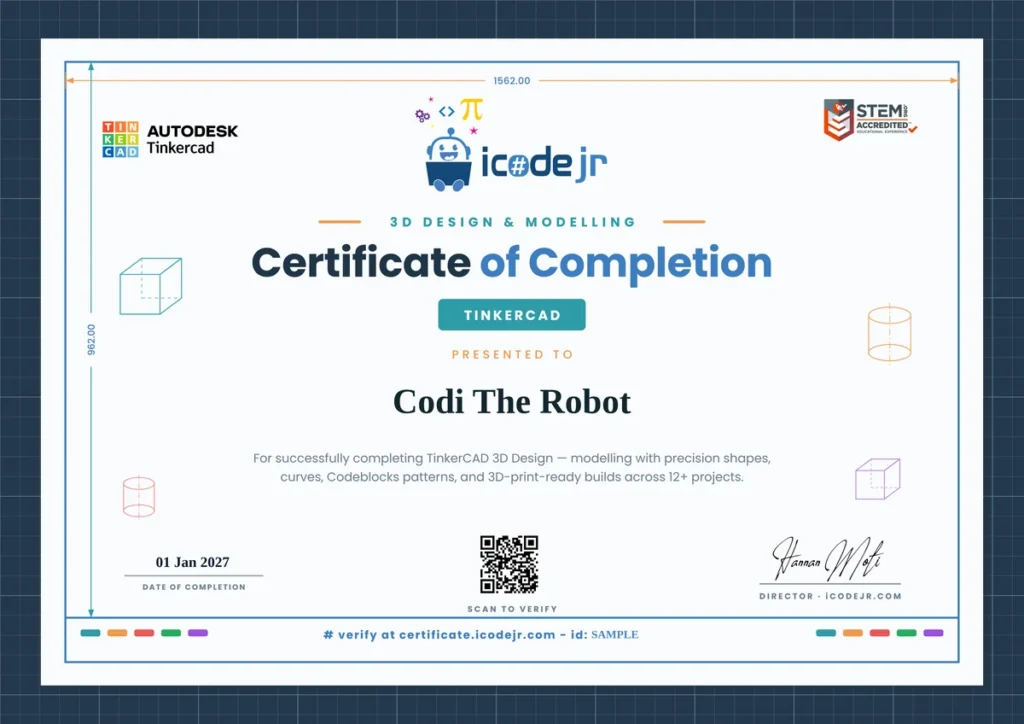
Earn Your TinkerCAD Certificate
Celebrate your child’s achievement with an official iCodejr completion certificate a milestone they can proudly share with family and friends.
- Personalized with your child’s name and photo
- Lists all 36 skills and concepts mastered
- Shareable digital certificate for portfolios
- Pathway to Junior Tech Passport certification
- Recognition of coding fundamentals achievement
Want a complete learning journey?
Simple, Transparent Pricing
Complete 24-session program with all materials and certificate included
24 Live 1-on-1 Sessions
AED 1,560
AED 65 per session
- 24 live 1-on-1 sessions (50 min each)
- Expert 3D design instructor
- 12+ portfolio projects 3D print-ready file exports
- Certificate on completion
- Flexible scheduling Progress reports for parents
Frequently Asked Questions?
Can designs be 3D printed?
Yes! All TinkerCAD designs can be exported as STL files for 3D printing. We can help connect you with 3D printing services, school labs, or local makerspaces to bring your child’s creations to life!
Is TinkerCAD free?
TinkerCAD is completely free and runs in any web browser. No software installation, special hardware, or subscription required. It works on Windows, Mac, and Chromebook.
What age is appropriate for 3D design?
This course is designed for ages 7+ (Grades 2+). Younger students (7-9) focus on basic shapes and creativity, while older students dive into precise measurements and Codeblocks programming.
What skills does 3D design develop?
3D design builds spatial reasoning, geometry understanding, creative problem-solving, attention to detail, and STEM thinking. These skills transfer to engineering, architecture, game design, and more!
Does TinkerCAD include coding?
Yes! Sessions 14-17 introduce TinkerCAD Codeblocks, a visual programming language for creating parametric 3D designs. Students learn to code patterns and shapes algorithmically.
What device is needed?
TinkerCAD works in any modern web browser (Chrome, Safari, Firefox) on a computer or large tablet. A mouse is recommended for precise 3D manipulation. Screen 10″ or larger works best.
What comes after TinkerCAD?
After TinkerCAD, students can explore more advanced 3D tools like Blender or Fusion 360, or transition to coding courses like Scratch or Python where they can apply their spatial thinking skills.
How is 3D design different from Minecraft?
While both involve building, TinkerCAD teaches professional 3D modelling skills with precise measurements, curved shapes, and real-world applications like 3D printing. It’s the foundation for CAD software used by engineers and designers.