Coding & STEAM Classes for Kids Aged 5-6
The complete technology foundation for ages 5-6. Coding, AI, robotics and creative tech in one playful learning path, taught live and 1-on-1 by an expert instructor.
AED 60 /class
What Your Child Will Learn
Our KG-1 program builds foundational coding, problem-solving, and creative thinking skills through playful, hands-on learning.
Sequencing & Logic
Learn to arrange steps in the right order
Creative Expression
Interactive games & sprites Express ideas through digital art and stories
Problem Solving
Think logically to solve puzzles and challenges
Tech Confidence
Build comfort with AI, robots, and digital tools
No Prerequisites. Just a Tablet.
Perfect for complete beginners. Your child just needs to be curious and ready to have fun. No reading is needed: we use picture blocks and audio guidance. Classes run on an iPad or Android tablet; a laptop won't work for this age group.
Key Projects Age 5-6 Students Create
One key project from every module. Each one ends with your child presenting what they built.
ScratchJr Level 1
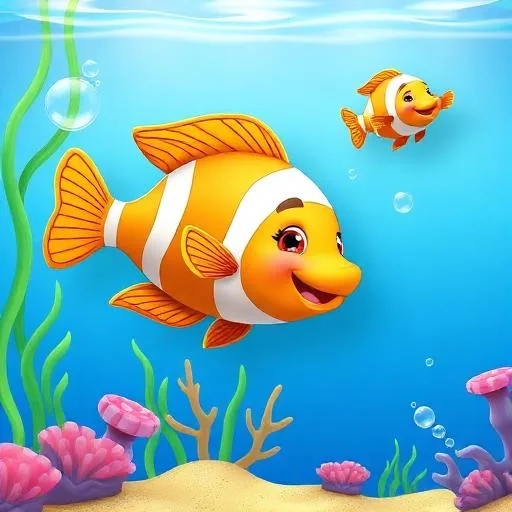
Underwater World
Build an animated ocean scene with swimming fish and sea creatures.
ScratchJr Level 2
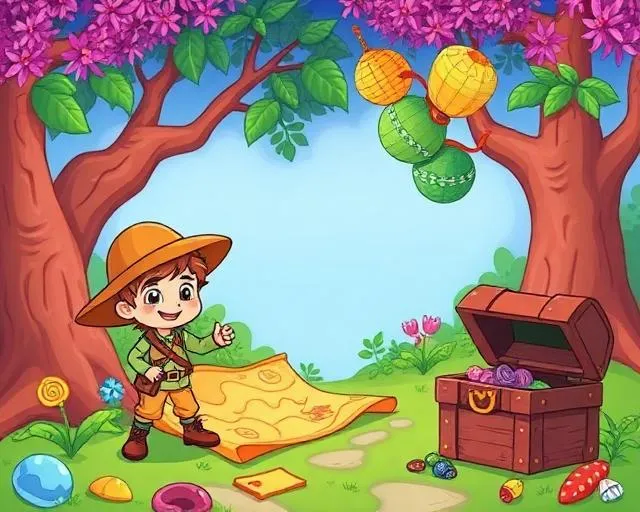
ScratchJr Quest Game
A multi-scene adventure with a hero, goals to reach and a clear finish.

AI Explorers
My AI Story Friend
Your child directs a child-safe AI to create a story and pictures, then explains their choices.
RoboPlay
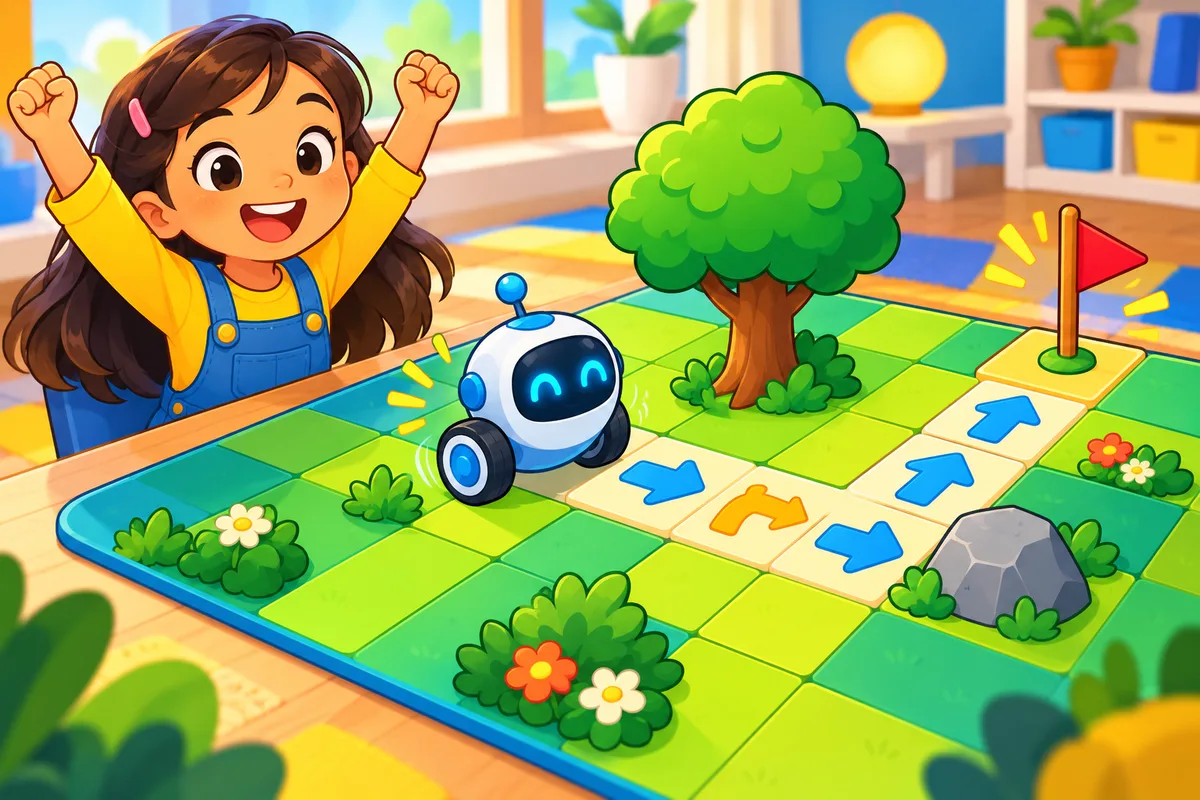
Robot Mission Challenge
Plan, run and fix a full mission for a robot on the tablet, one step at a time.
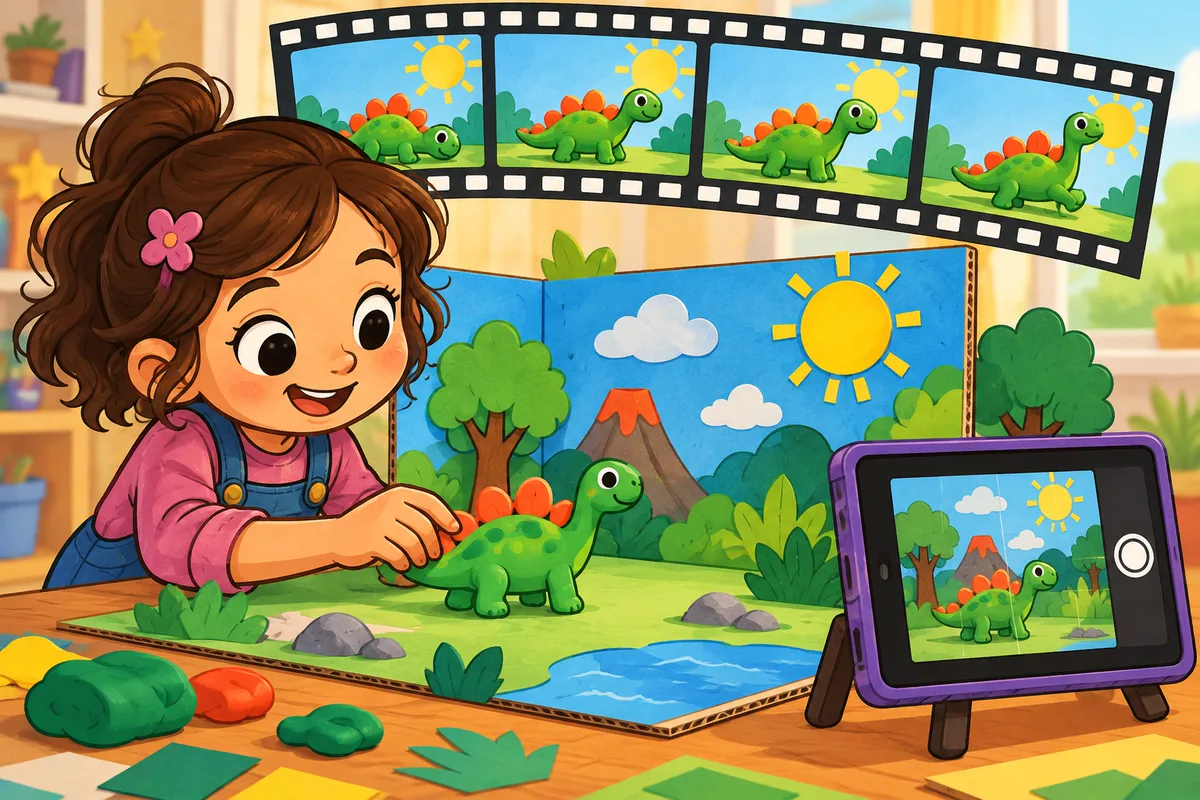
Creative Tech Lab
Stop-Motion Magic
A short stop-motion story made with photos, voice and sound.
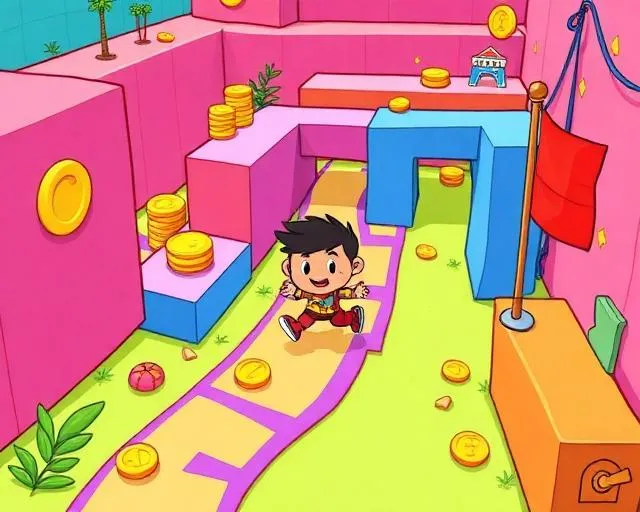
Logic Games
My Logic Game
A pattern-and-puzzle game your child designs, plays and explains.
Graduation
Junior Tech Showcase
Coding, AI, robotics and creativity brought together in one project, presented to family.
How the Age 5-6 Learning Path Works
Code
ScratchJr Levels 1 and 2: from making characters move to building multi-scene quest games.
Explore
AI Explorers with a child-safe AI tool, RoboPlay with robots on the tablet (no kit needed), and Creative Tech Lab: art, voice and stop-motion.
Graduate
Logic Games, then a 2-class Graduation Project. Next step: Sprite Lab game design.
About 9 months at 2 classes a week, or about 18 months at 1 class a week.
How Skills Grow Over Time
By the end of this pathway, children naturally progress from:
Throughout the journey, students develop:
- Play
- Think
- Create
- Explain
Detailed Learning Path
Six modules taken in order, plus a graduation project. Every module ends with a project your child presents and its own certificate.
1 · ScratchJr Level 1
24 classes · Foundations & core logic
Sequencing, cause and effect, animations and simple games.
Certificate: Fundamentals of Coding
2 · ScratchJr Level 2
12 classes · Games, logic & quests
Goal-based games, timing, multi-scene worlds and debugging.
Certificate: Coding Master
3 · AI Explorers
8 classes · Early AI literacy
Create stories and pictures with a child-safe AI tool, and learn that AI can make mistakes.
Certificate: AI Explorer
4 · RoboPlay
10 classes · Robots on the tablet, no kit needed
Directions, planning, step counting and fixing mistakes.
Certificate: RoboPlay Explorer
5 · Creative Tech Lab
8 classes · Art, voice & stop-motion
Digital art, photo stories, sound and stop-motion: technology as a creative tool.
Certificate: Creative Tech Creator – Level 1
6 · Logic Games
8 classes · The thinking behind coding
Patterns, prediction, rules and step-by-step logic, explained out loud.
Certificate: Logic Explorer – Level 1
Graduation Project
2 classes · Junior Tech Showcase
Coding, AI, robotics and creativity in one project, presented to family.
Certificate: Junior Tech Explorer
Ready to Start?
Book a free trial class and experience our curriculum firsthand.
What Your Child Needs
Everything is simple to set up at home. Here is what your child uses in class.
A Tablet
An iPad or Android tablet. Young children drag and tap with their fingers, so a laptop won't work for KG-1.
No Kit Needed
RoboPlay runs on the tablet, just like ScratchJr, so there is no robot kit to buy for KG-1.
Safe, Sandboxed AI
AI Explorers uses iCodejr's own child-safe AI tool, guided by the instructor in every class. Your child never needs an account on a public AI app.
Invest in Your Child's Future
24 credits • AED 1,800 total + VAT • use on any program
What's Included:
- 24 live 1-on-1 classes
- 40-minute classes for KG-1
- Dedicated expert instructor
- Taught in English or Arabic
- Progress reports for parents
- Covers ScratchJr Level 1
48 credits • AED 3,360 total + VAT • use on any program
What's Included:
- 48 live 1-on-1 classes
- 40-minute classes for KG-1
- Dedicated expert instructor
- Taught in English or Arabic
- Progress reports for parents
- Covers modules 1–3 and part of RoboPlay
96 credits • AED 6,240 total + VAT • use on any program
What's Included:
- 96 live 1-on-1 classes
- 40-minute classes for KG-1
- Dedicated expert instructor
- Taught in English or Arabic
- Progress reports for parents
- Covers the full KG-1 path (72) + Sprite Lab (24)
144 credits • AED 8,640 total + VAT • use on any program
What's Included:
- 144 live 1-on-1 classes
- 40-minute classes for KG-1
- Dedicated expert instructor
- Taught in English or Arabic
- Progress reports for parents
- KG-1, Sprite Lab and the next level
What happens in a free trial?
- Live 1-on-1 class with an instructor
- Sample coding activity
- No payment required
- Skill & interest evaluation
- Personalized learning path recommendation
Ready to start your child's tech journey?
Book a Free TrialQuestions? Call us at +971 50 69 42633
Six modules taken in order, plus a graduation project. Every module ends with a project your child presents and its own certificate.
Age 5-6 Program FAQs
Is this too much screen time?
Our 40-minute live classes are interactive, not passive. Children create, solve problems and talk with their instructor the whole time. We recommend 1–2 classes a week, balanced with other activities.
Does my child need to read?
No. KG-1 is designed for pre-readers. ScratchJr uses picture blocks, and the instructor guides every step out loud.
Do we need a robotics kit?
No. In KG-1, RoboPlay runs on the tablet, so there is no robot kit to buy.
Can my child join mid-year?
Absolutely. Every class is 1-on-1, so we start wherever your child is and personalise the path for them.
What device do we need?
An iPad or Android tablet. Children drag and tap with their fingers, so a laptop won’t work for this age group.
Is the AI safe for a 5-year-old?
Yes. AI Explorers uses iCodejr’s own sandboxed, child-safe AI tool, guided by the instructor in every class. Your child never needs an account on a public AI app.
How do the credit packages work?
Each live class uses 1 credit, and credits work across every iCodejr program. The full KG-1 path is 72 classes; the Colonel package (96 credits) covers it plus the Sprite Lab next step.
Which language are classes taught in?
English or Arabic. Choose when you book.
Do you offer scholarships?
Our 40-minute live classes are interactive, not passive. Children create, solve problems and talk with their instructor the whole time. We recommend 1–2 classes a week, balanced with other activities.
Ready to Start Your Child's Tech Journey?
Book a free KG-1 trial class and watch your child build their first animated scene with an expert instructor.
We’ll contact you on WhatsApp to confirm your trial class