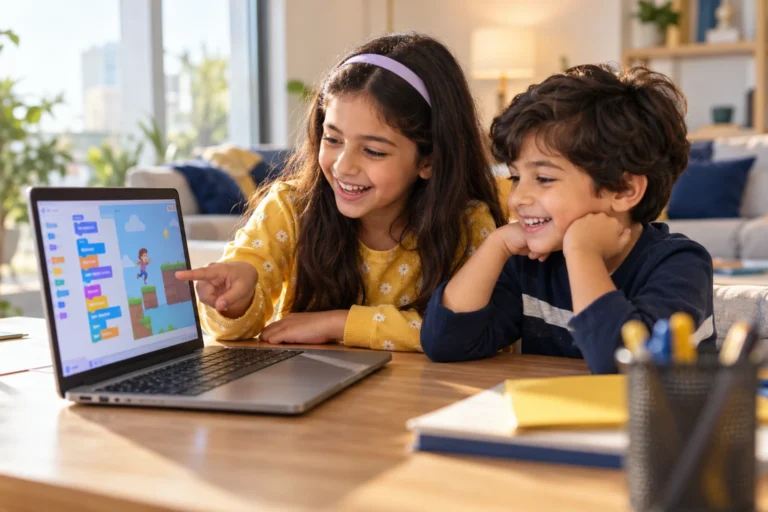
Maybe your child came home talking about a cat that moves when you press the arrow keys. Or a friend recommended Scratch as the best way for kids to start coding, and you’re wondering where to begin. Here’s the good news: Scratch is free, and your child can start today, at your kitchen table.
Quick answer: Scratch is a free, block-based coding tool from MIT where children make games, animations and stories by snapping coloured blocks together, so there’s no typing and no spelling mistakes to worry about. It’s designed for ages 8 to 16 (younger children use ScratchJr), runs in a web browser and works in Arabic as well as English. Many children start on their own with the built-in tutorials. A class helps when they get stuck, lose interest or are ready to build something bigger.
What is Scratch, and why do kids love it?
It comes from the MIT Media Lab (the Lifelong Kindergarten team), and children all over the world use it to make and share projects. Instead of typing code, children drag blocks like “move 10 steps”, “when space key pressed” or “change score by 1” and snap them together like puzzle pieces.
Kids love it because they see results straight away. Press the green flag and their character moves, talks or jumps. And because the blocks only fit together in ways that make sense, they spend their time thinking about ideas, not fixing typing errors.
“Scratch is a lovely starting point because children can see results so quickly. They move a character, add a sound, and suddenly they’re making their own little game.”
— Eloisa M, iCodejr teacher
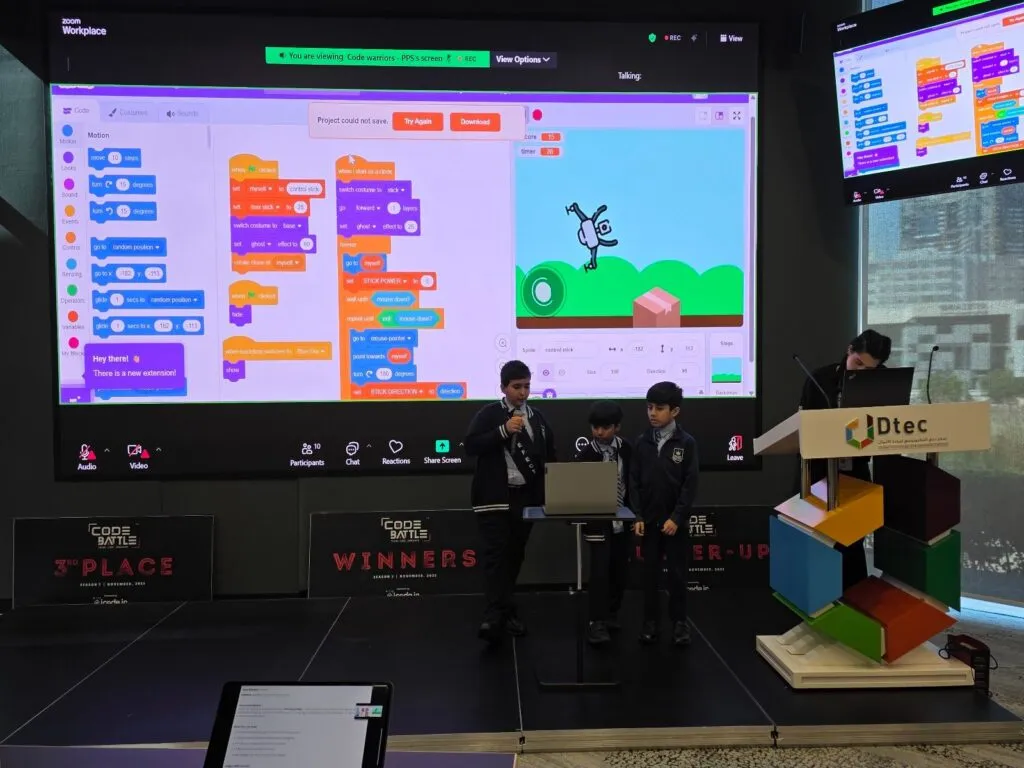
Is Scratch good for kids?
For most children, yes. Here’s an honest look at both sides:
| What’s great | What to keep in mind |
|---|---|
| It’s completely free, with no ads | Blocks aren’t typed code, so older children will eventually want to move on to a language like Python |
| It teaches the same ideas real programmers use: loops, conditions, variables and events | Children can get stuck copying tutorials and remixing other people’s games without understanding them |
| Children make things they care about: games, stories, animations | Projects and comments on the Scratch website are public, so it’s worth knowing what your child shares |
| It works in the browser and in many languages, including Arabic | Games that use the keyboard work best on a laptop or desktop |
What age is Scratch for?
| Age | Best tool | Why |
|---|---|---|
| 5–7 | ScratchJr (a free tablet app) | Picture blocks, no reading needed. See our ScratchJr course and KG-1 learning path |
| 8–12 | Scratch | The sweet spot: games, animations and interactive stories |
| 12+ | Scratch for bigger projects, then Python | Teenagers often enjoy Scratch for a while, then want to type real code |
Every child is different, so this is a guide, not a rule. For more, see our guide to what age kids should start coding.
How can my child start Scratch at home today?
- Go to scratch.mit.edu and click “Create”. Your child can start building straight away. To save projects, create a free account (younger children need a parent’s email address). Our short video shows how: getting started with Scratch.
- Choose a language. Click the globe icon to switch to العربية or another language.
- Try the built-in tutorials. Short ones such as “Animate a Name” teach the basics in minutes.
- Make one small game from start to finish. Pick one of the ideas below and keep it simple.
- Show someone. Children love an audience, and explaining their game helps them understand it.
- Click “See inside” on other projects to see how they were made, then try changing them. Our video exploring the Scratch homepage and projects gives a quick tour.
No internet at home? Scratch also has a free app for computers that works offline.
Want a teacher alongside them?
Book a free one-to-one Scratch class. Your child builds a small game with a teacher, live online, and you'll see exactly where they're at. No payment needed.
What Scratch games can my child make first?
Start small. These Scratch game ideas each teach something new:
| Game | How it works | What your child learns |
|---|---|---|
| Catch the fruit | Fruit falls from the top; move a basket to catch it | Random positions, a score variable, “touching” |
| Maze | Steer a character to the exit without touching the walls | Arrow-key controls, “if touching colour” |
| Clicker | Click a character to score points before time runs out | Events, variables, a timer |
| Pong | Bounce a ball off a paddle | Movement, bouncing, game over |
| Racing | Dodge obstacles on a scrolling road | Speed, clones, collisions |
| Platformer | Run and jump across platforms | Gravity and jumping (one of the harder ones) |
Children who love Minecraft often build Minecraft-style games in Scratch, too, and our Minecraft coding course takes that interest further.
Prefer to build along with a video? Our free YouTube series, How to Make Games in Scratch, walks children through complete projects, step by step:
- Fish Chaser game (3 short parts): movement, chasing logic, then score and effects. Start with part 1.
- Math Quiz (2 parts): asking questions, checking answers and keeping score. Watch part 1.
- Ballerina dance (3 parts): animation, sounds and costume changes. Watch part 1.
- Piano (2 parts): play notes with the keyboard. Watch part 1.
- An AI project: teach Scratch to spot happy and sad messages. Watch the tutorial.
“A student might start with a simple jumping game and then decide to add five more levels. I like when they take a project further because it’s their idea.”
— Sakshi K, iCodejr teacher
When does a Scratch class help?
Plenty of children learn Scratch on their own. A class makes a real difference when:
- They’re stuck on tutorials and can copy a game but can’t build their own.
- Projects never get finished, because there’s no plan and no one to show.
- They want more: bigger games, smarter code, or AI features.
- You’d like to see progress, with projects and certificates along the way.
At iCodejr, Scratch classes are live, one-to-one and online, 50 minutes each, in English or Arabic. In our Scratch Level 1 and Level 2 courses, children build side-scrolling games, mazes, racing and space-shooter games, a music maker and even a simple chatbot, earning a certificate for each module. The teacher explains why the code works, so your child can build their own ideas, not just follow steps.
“The first time my daughter showed me a game she had made herself, I was genuinely impressed. She was even more excited than I was!”
— Sophie C., parent of Ella
The first class is free, and after that classes cost from AED 60 each, depending on the package.
Ask about this season's offer before you choose
We run offers several times a year, including in winter and summer. Before you choose a package, message us and we'll tell you what's on right now.
What comes after Scratch?
“Kids who love gaming already have so many ideas. Teaching them how to create their own games is a great way to get them interested in coding.”
— Seif T, iCodejr teacher
Once Scratch feels easy, children usually move on to Roblox game-making (from about 10) or typed Python (from about 11). Everything they learned with blocks still applies. For the bigger picture, see what coding is and why it matters for kids.
Frequently asked questions
Is Scratch free?
Yes, completely: no adverts, no subscriptions, nothing to pay for. Your child can use it in any web browser at scratch.mit.edu, or download the free offline app.
What age is Scratch for?
It’s designed for ages 8 to 16, though plenty of younger children use it with help. For ages 5 to 7, ScratchJr is usually a better start.
Is Scratch safe for kids?
Scratch is run by a non-profit and its online community is moderated. Projects and comments are public, so talk to your child about what they share, and remember they can use Scratch without sharing anything at all.
Can my child use Scratch in Arabic?
Yes. Click the globe icon and choose العربية. iCodejr’s Scratch classes are also taught in Arabic or English.
Is Scratch real coding?
Yes. Scratch uses blocks instead of typed text, but the ideas are the same ones programmers use every day: loops, conditions, variables and events.
Can kids learn Scratch on their own?
Many do, using the built-in tutorials or our free Scratch video tutorials. A teacher helps them go further and faster, especially once they want to build their own games rather than copy one.
How quickly can a child learn Scratch?
Most children pick up the basics in a few weeks of regular practice. In our classes, the basics usually take about 24 lessons, with bigger games after that.
Does Scratch work on a tablet?
It runs in a tablet’s browser, but games that use the keyboard work best on a laptop or desktop. For young children on a tablet, ScratchJr is the better choice.
Scratch or ScratchJr: which one does my child need?
ScratchJr is a simpler tablet app with picture blocks for ages 5 to 7. Scratch has more blocks and features and suits children from about 8.
Can my child try a Scratch class for free?
Book a free trial class. Your child builds a small Scratch game with a teacher, one-to-one and online, and we’ll suggest where to start.
Ready to see what your child can build? Book their free Scratch class now, or browse all our coding classes for kids.