Perhaps your child asked how a game “knows” they’ve won. Or the school newsletter mentioned coding, and you realised you’d struggle to explain what it is. You’re in good company. Here’s coding for kids in plain words: what it is, what children actually do, why it’s worth their time, and how long it takes.
Quick answer: Coding is writing step-by-step instructions that a computer can follow. For children, it usually starts with picture blocks that snap together (ScratchJr from age 5, Scratch from about 7) and moves on to typed languages such as Python from around 11. It matters because children learn to break big problems into small steps, test their ideas and fix their own mistakes. And they stop just playing with technology and start making it.
What is coding, in words a child understands?
A computer is very fast and very literal. It follows instructions to the letter, and only the ones it’s given. Coding is how we give them. Each instruction is a line of code, and a set of instructions that does a job is a program.
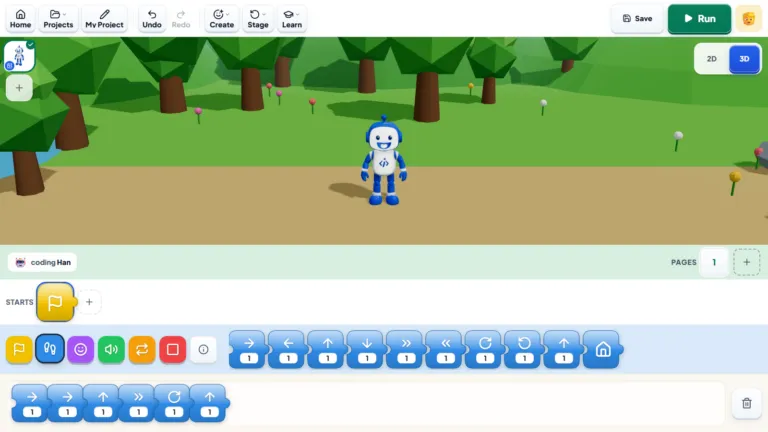
Say your child wants a cat to walk across the screen. In Scratch, they might snap together “when the green flag is clicked, move 10 steps, and repeat that 20 times”. If the cat walks straight off the edge of the screen, that’s a bug. Working out why, and fixing it, is called debugging, and it’s where most of the learning happens.
You can try the same idea with no screen at all. Ask your child to give you instructions for making a sandwich, then follow them exactly as said. “Put the jam on the bread” with the lid still on the jar usually makes the point quickly.
| Word | What it means |
|---|---|
| Code | Instructions written in a language a computer understands |
| Program | A set of instructions that does a job, such as a game or an app |
| Algorithm | The plan: the steps, in order, to solve a problem |
| Bug | A mistake that stops the program doing what you meant |
| Debugging | Finding and fixing bugs |
| Loop | An instruction to repeat something |
Coding and programming mean almost the same thing. “Programming” is sometimes used for the bigger job, which includes planning the program as well as writing it.
Why is coding important for kids?
Not because every child should become a software engineer. The reasons are more everyday than that.
It teaches children to think in steps. To code anything, a child has to break a big goal (“make a game”) into small, ordered pieces. That habit of breaking problems down is just as useful for a maths word problem or a science project.
It changes what screen time is for. A child who builds a game is doing something very different from a child who watches someone else play one.
“I understand why parents worry about screen time. But there’s a difference between a child watching videos for an hour and spending that hour building their own game.”
— Samir Aga, Co-founder and COO, iCodejr
It makes mistakes normal. Code rarely works the first time. Children learn to test, spot what went wrong and try again, without anyone telling them they failed.
“When a student’s code doesn’t work, I try not to jump in with the answer. Figuring out what’s wrong is part of learning to code.”
— Varsha T, iCodejr teacher
It helps them understand AI. Since the 2025–26 school year, AI has been taught in UAE government schools from kindergarten to Grade 12 (Gulf News). Children who know how instructions and data drive a computer find it easier to see what AI can and can’t do, and to question what it tells them.
It keeps doors open. Plenty of children who learn to code end up in medicine, design or business. The confidence to build and fix things goes with them.
“I don’t expect every child who learns coding to become a programmer. But I do want them to become comfortable with technology and confident enough to build things themselves.”
— Hannan Moti, Founder and CEO, iCodejr
What does coding look like at each age?
Children don’t start with typed code. They start with pictures and work up.
| Age | What they use | What they make |
|---|---|---|
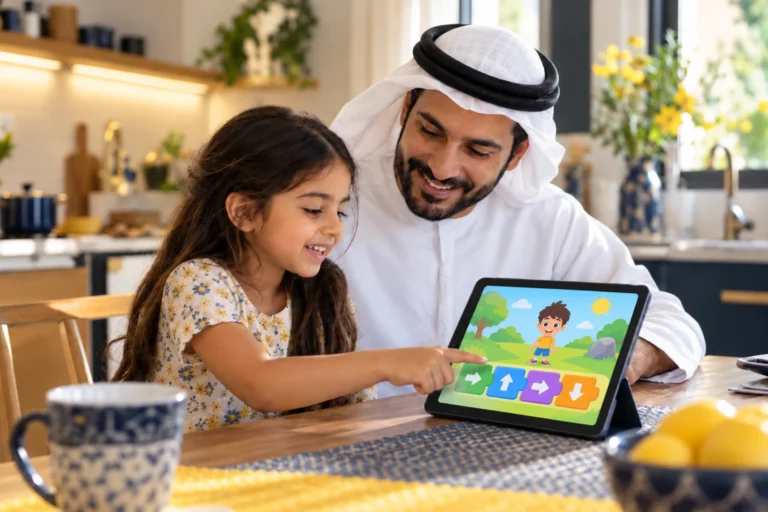
| 5–6 | ScratchJr on a tablet | Characters that move and talk, short stories, first simple games |
| 7–10 | Scratch and Minecraft | Games, animations, quizzes, first robotics and AI projects |
| 10 and up | Roblox Studio | Their own Roblox games |
| 11–14 | Python and web development | Programs, websites, generative AI projects |
| 15–18 | Advanced Python and AI | Machine learning models, apps, data projects |
Our guide to coding by age goes into each stage in more detail.
What is the difference between block coding and typed code?
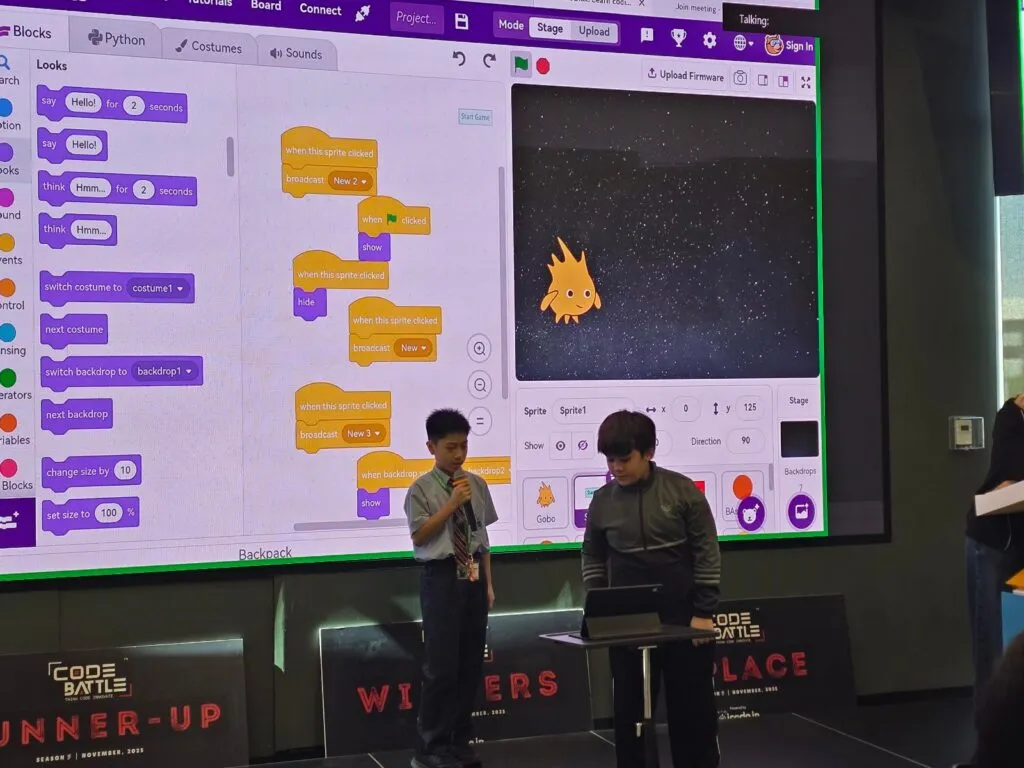
In block coding, children drag and drop instructions shaped like puzzle pieces. There’s nothing to misspell, so they can focus on the logic: what happens first, what repeats, what depends on what. It’s the right start for most children under 10. (More in our block coding guide.)
In typed code, such as Python, children write each instruction themselves. It’s more powerful and far less forgiving.
“A missing bracket or a small spelling mistake can stop everything in Python. I tell students not to get frustrated. Finding those mistakes is part of the job.”
— Hussein M, iCodejr teacher
Most children make the switch between about 10 and 12, once they read and type comfortably. Everything they learned with blocks (loops, conditions, variables) still applies; only the way of writing it changes.
How long does it take a child to learn coding?
Honestly, it depends on your child: how much they enjoy it, and how far they want to go. Coding has no finish line. Some children are happy making games in Scratch; others want to go on to Python, AI and apps.
As a guide, the basics of each area take 24 to 48 classes, whether that’s block coding, Python, robotics or AI. That’s roughly three to six months of regular classes. Your child will have a working project from the very first class, and something they’re proud to show you within the first few weeks.
What speeds things up isn’t age so much as regular practice and projects the child cares about. A child building their own game will push through problems that a worksheet never gets them past.
Can my child learn coding on their own, or at home?
Yes, at least to begin with. ScratchJr and Scratch are free, and many children teach themselves the basics through play. Our step-by-step guide to coding at home shows you how to set it up, even if you’ve never coded yourself (and if that’s you, our guide for non-tech parents helps too).
Where a teacher makes the difference is when your child gets stuck. That’s the moment many children quietly give up, and it’s the most common reason kids quit coding. A teacher also knows which project to try next, so your child keeps moving forward instead of repeating what they already know.
“Parents often ask which programming language their child should learn first. I think the better question is what their child actually enjoys doing.”
— Samir Aga, Co-founder and COO, iCodejr
What do parents say?
“My daughter used to say ‘I can’t do this’ very quickly. These days, she’s much more likely to sit with a problem and try to work it out herself.”
— Priyanka L., parent of Kiara
“My daughter loves the projects. Sometimes she continues working on them even after the lesson is over. For me, that’s a very good sign.”
— Mei C., parent of Sophie, Dubai
“It’s nice to see my child learning something that feels relevant to the world they’re growing up in, and enjoying it at the same time.”
— Daniel F., parent of Noah
Ask about this season's offer before you choose
We run offers several times a year, including in winter and summer. Before you choose a package, message us and we'll tell you what's on right now.
Frequently asked questions
What is the easiest coding language for kids?
Scratch, or ScratchJr for 5- and 6-year-olds. Both use picture blocks, so there’s no typing. Python is usually the first typed language, from about 11.
What is the best age to start coding?
Five is a good start with picture-based coding. Starting later is fine: a 10-year-old beginner can catch up quickly.
Is coding hard for kids?
Not when it’s matched to their age. Block coding is designed for young children. Typed code takes more patience, which is why most children start with blocks.
Does my child need to be good at maths to code?
No. Counting and simple sums are enough for Scratch. Coding often makes maths more fun, because numbers suddenly control speed, size and direction on screen.
Is robotics the same as coding?
Robotics uses coding to control something physical. Our guide to robotics or coding helps you choose.
Won’t coding just add more screen time?
It changes the kind of screen time. Our screen time vs smart time guide explains the difference.
What does my child need to start?
For ScratchJr (ages 5 and 6), a tablet. For every other course, a laptop or desktop with a camera and microphone.
How can my child try a coding class?
Book a free trial class. Your child works one-to-one with a teacher, live online, and builds a small project in their first session. Ask about our current seasonal offer when you book.
Ready to see what your child makes? Book a free trial class, or explore our coding classes for kids.