An AI tool can turn your child’s idea into a picture in seconds. That’s exciting to watch, especially the first time.
But once the surprise wears off, the more interesting questions start. Why did the tool ignore half the request? How would your child make the result better? Can they tell which parts came from them and which came from the tool? Those questions are the difference between an afternoon of playing with AI and actually learning it.
Quick answer: a good AI class teaches children five things: how AI learns from examples, how to test it beyond the first result, how to use generative AI with a clear goal, how to check what AI tells them, and how to keep their privacy and their own work. If you’re comparing AI classes for kids in the UAE, ask what your child will be able to explain at the end of the course, not just what they’ll make.
First, find out what the class means by "AI"
AI is a broad subject. One class might teach systems that recognise patterns, another might focus on tools that generate content, and a third might combine AI with programming. All three can be good, but they’re not the same course.
In a recognition activity, a child gives a model examples of different objects and tests how it sorts new ones. In a generative activity, they use a tool to draft a story or illustration, then judge it and improve it. Ask the provider which of these your child will practise.
It also clears up a common mix-up: using a chatbot is not the same as learning how AI works. Both can be useful, as long as the learning goal is clear. (New to the basics? Our guide to AI for kids explains what AI is and how to talk about it with your child.)
5 things your child should learn in an AI class
1. How AI learns from examples
Many AI systems learn patterns from data. Children don’t need advanced maths to understand what that means, just something hands-on.
Picture this: a child shows an AI model pictures of pencils and erasers, trains it, then tries a photo it hasn’t seen. If it guesses wrong, the real lesson begins. Were all the pencils photographed on a white desk? Were the erasers always close to the camera?
Now the child has something concrete to investigate. They add different examples, test again, and see that the quality of the examples shapes the result. You can try this kind of activity at home with free tools such as Google’s Teachable Machine; for the bigger picture, see our guide to machine learning for kids.
2. Testing beyond the first good result
A demo can look convincing when it uses the same conditions every time. Ask whether the class lets children try unfamiliar examples and note what happens: a different pencil, a new angle, a messier background.
The aim is a habit of checking, instead of assuming one correct answer means the model always works. A good teacher then asks the child to explain what they tested, where the result changed, and what they’d try next. A short spoken explanation is enough to begin.
3. Using generative AI with a purpose
Generative AI creates text, images and other content from instructions called prompts. In a beginner class, the learning should go further than producing more and more outputs.
Imagine a child planning an imaginary community garden. They decide who will use it, what it needs and how much space there is, and an AI tool helps them picture it. Then they check the result against their own brief. Is there a path for wheelchairs? Did it include the seating they asked for? Has it added something that doesn’t belong?
They revise the prompt and explain which changes helped. The real work is setting a goal, making choices and judging what comes back. Adding more words to a prompt doesn’t always make it better. Our guide to prompt engineering for kids has examples by age.
4. Checking claims and spotting mistakes
AI-written text can sound confident and still be wrong. Children need practice noticing when an answer should be checked.
A teacher might ask a child to compare an AI explanation with a school textbook or another trusted source. Which statements agree? Which need clarifying? Is there a claim with no evidence at all? A good class makes it normal to say, “I’m not sure this is right.”
When you speak to a provider, ask how they teach checking. A useful answer describes an actual activity, not just a promise to teach “critical thinking”.
5. Protecting privacy and owning their work
Before a child uses any AI tool, the provider should explain which accounts are needed, what age limits apply and how children are supervised. Lots of well-known chatbots set a minimum age of 13, so under-13s are better off with tools made for children. (Our AI for kids guide has a full safety checklist.)
Children should also learn what to keep out of prompts and uploads: real names, contact details, private photos and school records. Fictional names and sample material work just as well for practice.
Finally, talk about authorship. If AI helped with a project, your child should be able to say how, and point to their own decisions. For school work, the school’s AI rules always come first.
See what your child would learn
Book a free one-to-one AI class. Your child works on a small AI project with a teacher, live online, and you'll see where they should start. No payment needed.
How to choose an AI class for your child
Match it to readiness, not just age
Ask what reading, typing and computer skills the course assumes, and whether it needs coding experience. Many beginner AI activities use visual tools with no code at all; a course that builds AI apps in Python needs programming basics first.
Neither label tells you enough on its own. Ask to see the first activity and what your child is expected to do by themselves.
Check how the teacher sees your child’s work
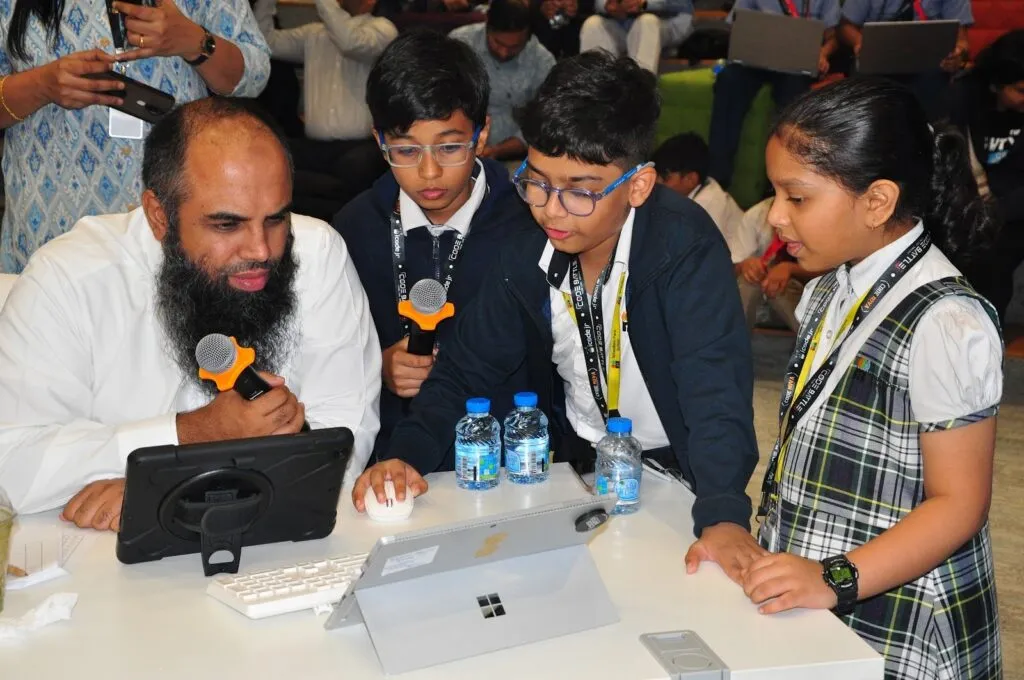
For families across the UAE, confirm the teaching language, device needs and class times in UAE time. If lessons are online, ask how the teacher actually sees your child’s screen and helps during the activity. In a group, a quiet child can drift for a whole lesson; one-to-one makes that much harder.
Look for evidence of learning in the project
A polished picture or a working demo is only part of the story. Ask how children explain their process. A good project review covers:
- The brief: the problem or idea the child started with
- The inputs: the examples or instructions they gave the AI
- The surprise: a result that was wrong or unexpected
- The fix: what they changed, and what happened next
- The next test: what they’d still need to check
These questions work for any AI project, and they let you talk about your child’s learning without needing to be an AI expert yourself.
Ask whether it builds towards real skills
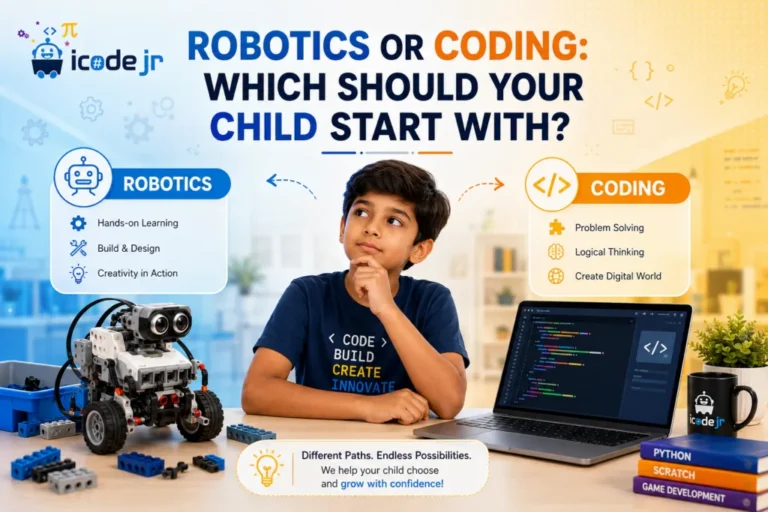
AI and coding overlap more every year. Children who can code build AI rather than just use it. Ask whether the course has a next step: from no-code AI models, to AI inside block coding, to writing AI programs in Python. If your child is choosing between subjects, our guide to robotics or coding may help too.
How iCodejr teaches AI
At iCodejr, AI is built into every learning path, so children don’t need a separate course to start:
- Ages 5–6: AI Explorers games show how computers learn from examples (KG-1 learning path)
- Ages 7–8: children train their own image and gesture models (ages 7–8 coding and AI)
- Ages 9–10: AI-powered games with face and object recognition (ages 9–10 coding and AI)
- Ages 11–14: generative AI projects, prompt writing and simple chatbots (ages 11–14 coding and AI and our Generative AI course for ages 10–16)
- Ages 15–18: the AI Developer track in Python: machine learning, computer vision, chatbots and AI agents
Younger children use kid-safe tools, such as the AI Sandbox in our own Bloqi environment, with their teacher on the call. Classes run live and online, one child with one teacher, and it’s the same teacher every week, in English or Arabic. Lessons last 40 minutes for KG to Grade 1 and 50 minutes from age 7. For a challenge, teenagers can test what they’ve built in AI competitions in the UAE.
“When our student Radim built his first AI game, the enthusiasm on his face was inspiring. He felt as if he had magic powers to build whatever he wanted. He in fact went ahead and published it to the Play Store. Soon enough, the AI game module became the most popular module in our AI course.”
— Samir Aga, COO, iCodejr
Your child’s first class is free. Afterwards, classes start at AED 60 each plus VAT; the exact price depends on the package you choose. See all our AI classes for kids in the UAE.
Ask about this season's offer before you choose
We run offers several times a year, including in winter and summer. Before you choose a package, message us and we'll tell you what's on right now.
Frequently asked questions
Does my child need to know Python before an AI class?
No. Most children start with visual, no-code AI tools, such as training a model with pictures. Python comes later, once they want to build AI programs of their own.
What’s the difference between AI classes and coding classes?
They overlap, but the focus differs. Coding classes teach children to write instructions for a computer. AI classes focus on data, models, generative tools and checking results, and good ones include coding as children get older.
Will my child train an AI model or just use an AI tool?
That varies from course to course, so it’s worth asking. A good beginner class does both: children train simple models to see how AI learns, and use generative tools with a clear goal.
How can I tell if a class teaches more than prompting?
Ask for examples of testing, checking and project reviews. Your child should be explaining their decisions and the AI’s mistakes, not only producing pictures and stories.
What age should my child start an AI class?
Five-year-olds can already discover how AI learns through games. By around 7, most children can train a simple model, and by around 13 they can write AI programs in Python.
Which AI tools are safe for children in class?
Tools built for children, used with an adult or teacher present. In our classes, younger children work in the AI Sandbox inside Bloqi, our own coding environment, while their teacher watches on the call.
Can my child use ChatGPT in an AI class?
Most mainstream chatbots ask users to be at least 13. Under-13s should stick to child-safe tools; teenagers can learn to use general chatbots responsibly.
Are online AI classes as good as in-person ones?
They can be better, if they’re one-to-one. The teacher sees your child’s screen the whole time, and there’s no travel. All iCodejr classes are live online.
Are AI classes available in Arabic?
Yes. Your child can take AI classes in Arabic or English, the same as every iCodejr course.
What do AI classes for kids cost in the UAE?
With iCodejr, your child’s first class costs nothing. After that, prices start at AED 60 a class plus VAT, depending on the package. Read more in our guide to coding class prices in the UAE.
The one question to ask any AI class: “What will my child understand well enough to explain after this course?” Want to see the answer for yourself? Book your child’s free AI trial.