Cadet Track
Introduction to coding & digital citizenship
Curriculum Details
Game design with AI concepts and speech recognition
- Scratch interface and block coding
- Game logic & broadcasts
- AI concepts introduction
- Speech recognition integration
- Emotion detection basics
- AI-powered game mechanics
Foundational electronics with LEDs, resistors, and circuits
- LED & breadboard basics
- Push buttons & switching
- Series & parallel circuits
- Resistors & voltage division
- Light sensors (LDR)
- Capstone: Smart Electronics Project
Introduction to micro:bit programming with MakeCode
- LED animations & patterns
- Button-based inputs
- Motion & shake gestures
- Light & temperature sensors
- Sound & music control
- Capstone: Interactive micro:bit Project
Learning Outcomes
Master Scratch programming with AI
Build and debug simple circuits
Program micro:bit LED animations
Understand AI fundamentals
Create interactive projects
Projects You'll Build
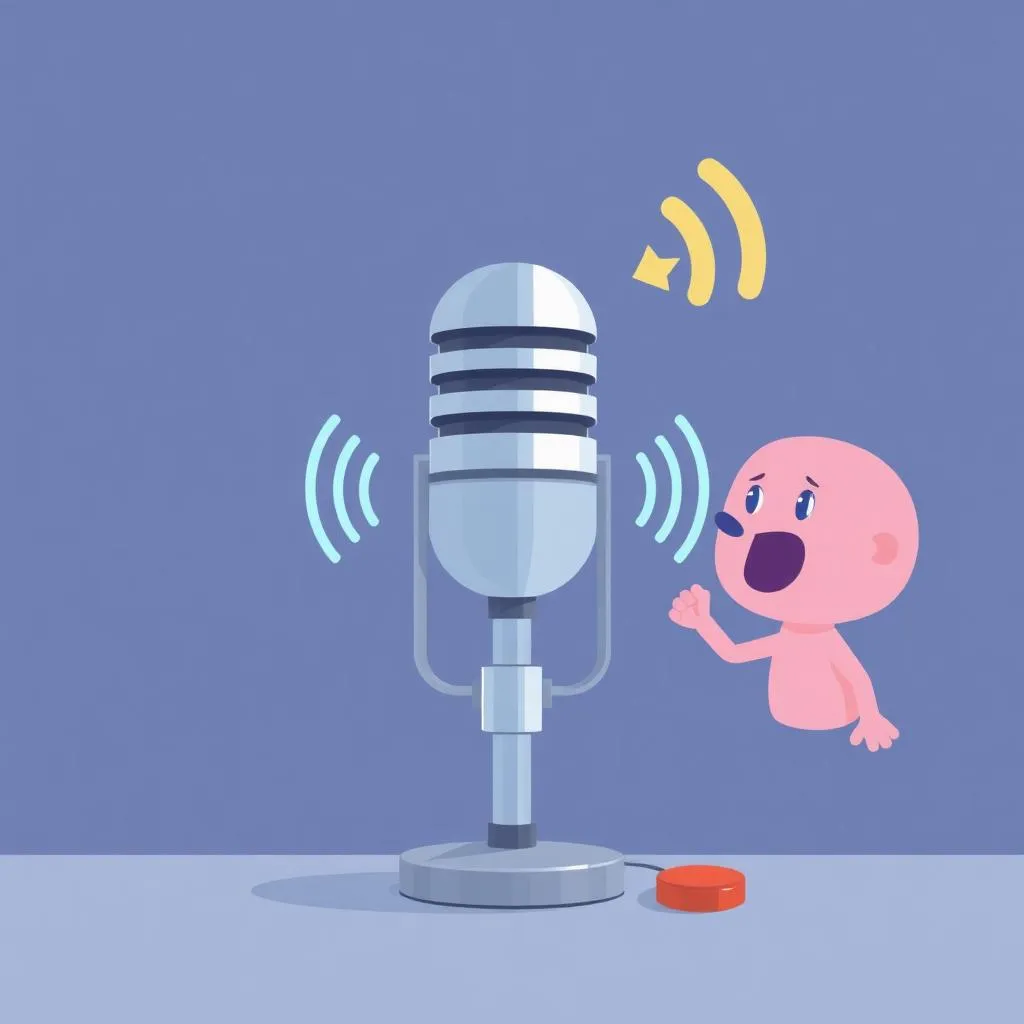
AI Voice Game
Speech-controlled Scratch game
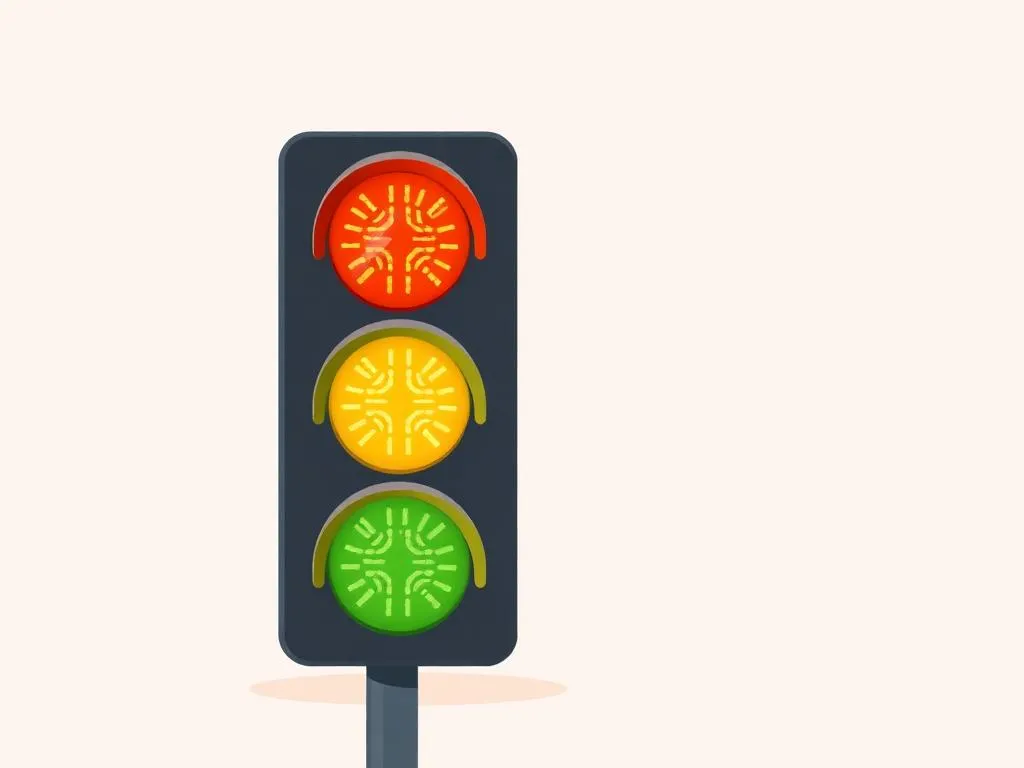
LED Traffic Light
Working traffic light circuit
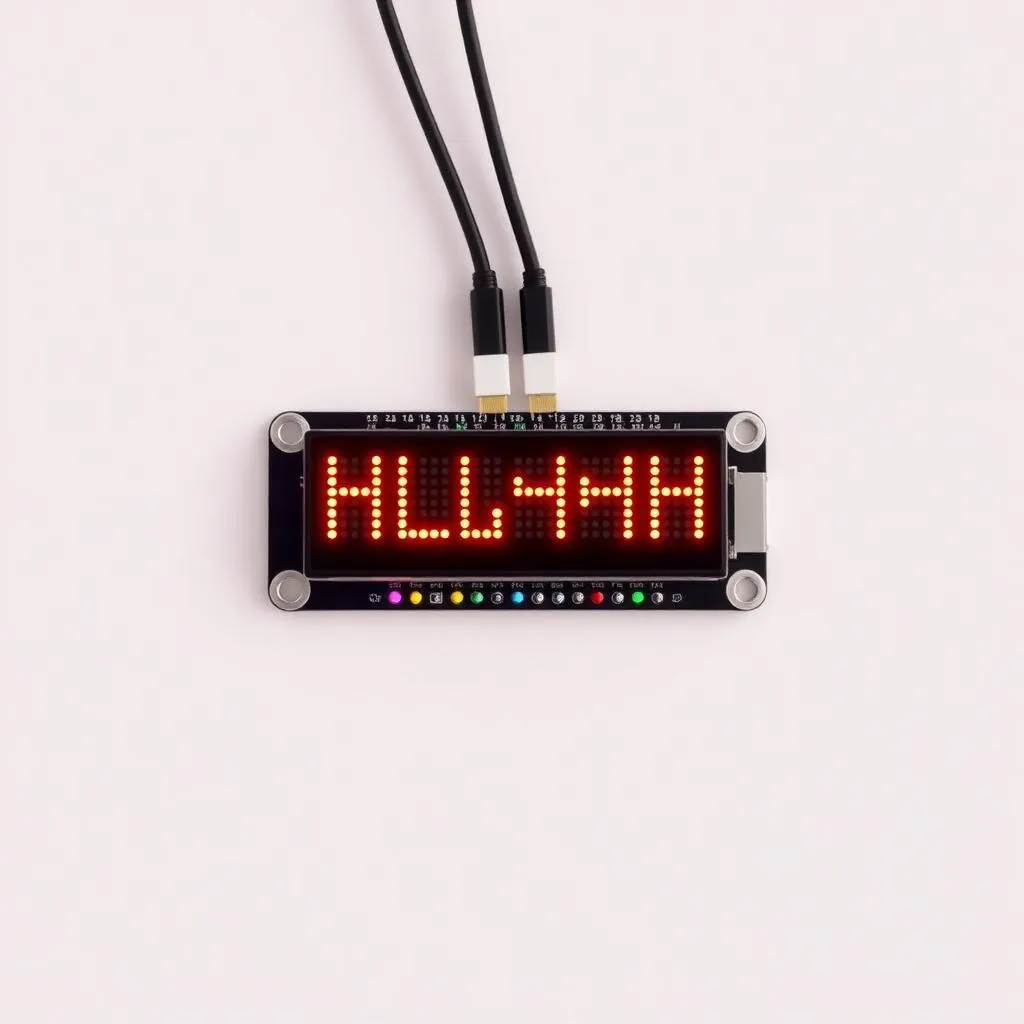
Micro:bit Name Badge
Scrolling LED display
Capstone Project
STEAM Foundations Showcase
Combine coding and electronics skills in an integrated project
Assessment & Certification
Project-Based
Evaluation through creative projects, not tests or exams
Parent Updates
Regular progress reports and milestone celebrations
Captain Track
Complete game design & AI exposure
Curriculum Details
Complete Cadet curriculum covering coding and electronics basics
- Scratch & AI Fundamentals (24 sessions)
- Fun with Electronics (12 sessions)
- Micro:bit for Beginners (12 sessions)
Teachable Machine and advanced AI projects
- Training custom ML models
- Image and sound recognition
- Face sensing and gesture controls
- Arcade and racing games
- AI ethics and responsible use
Create interactive games with micro:bit
- LED game mechanics
- Accelerometer-based games
- Scoring systems with variables
- Multi-round gameplay
- Sound effects & music
Learning Outcomes
Apply AI in practical projects
Design interactive games across platforms
Use Teachable Machine for ML
Create games with scoring and sound
Master applied AI concepts
Projects You'll Build
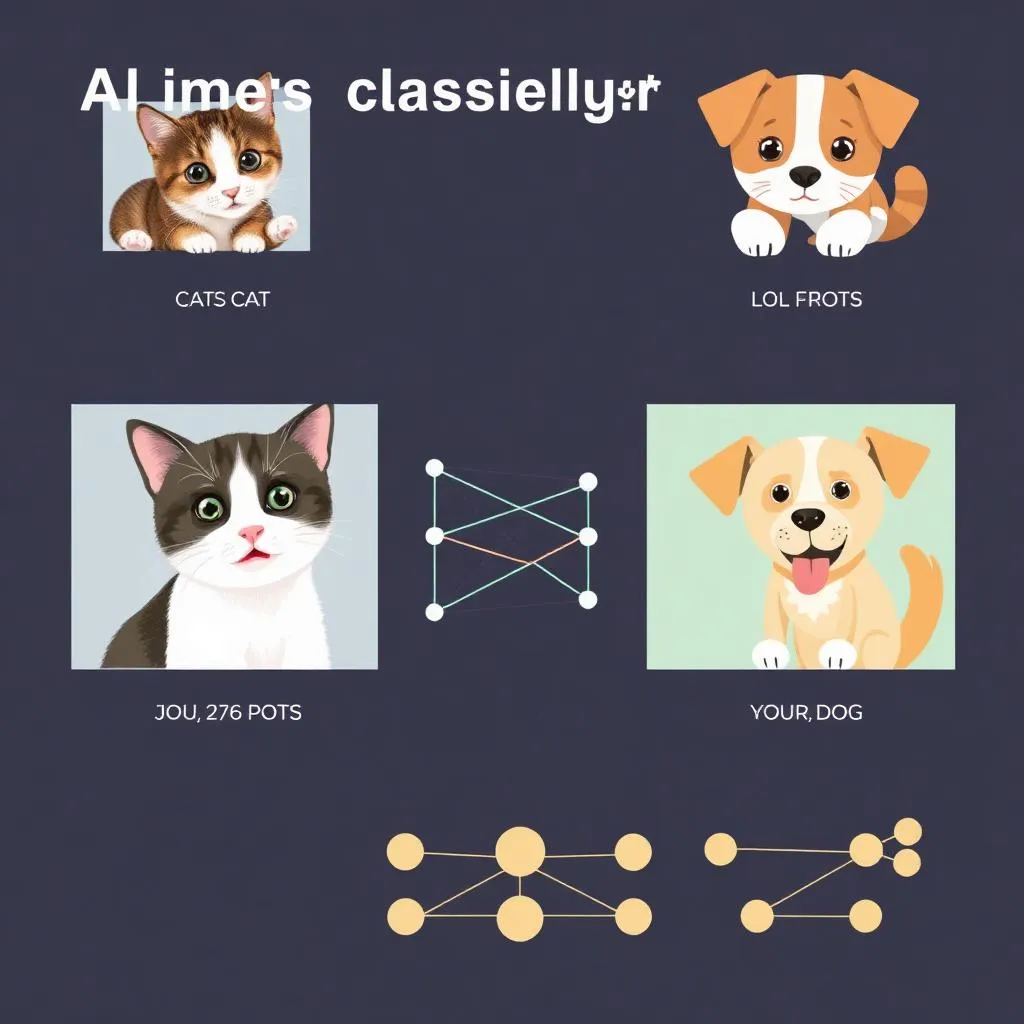
AI Image Classifier
Train a custom ML model
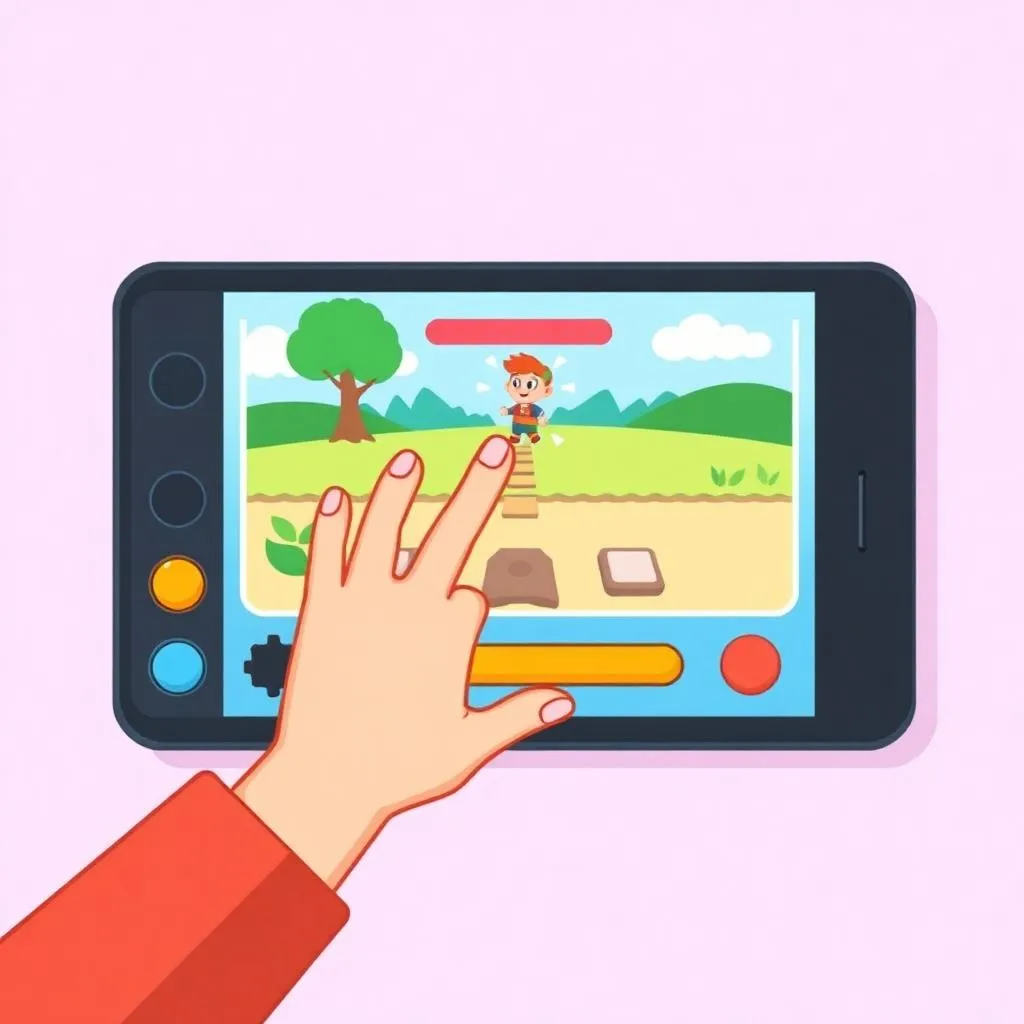
Gesture-Controlled Game
AI-powered game controls
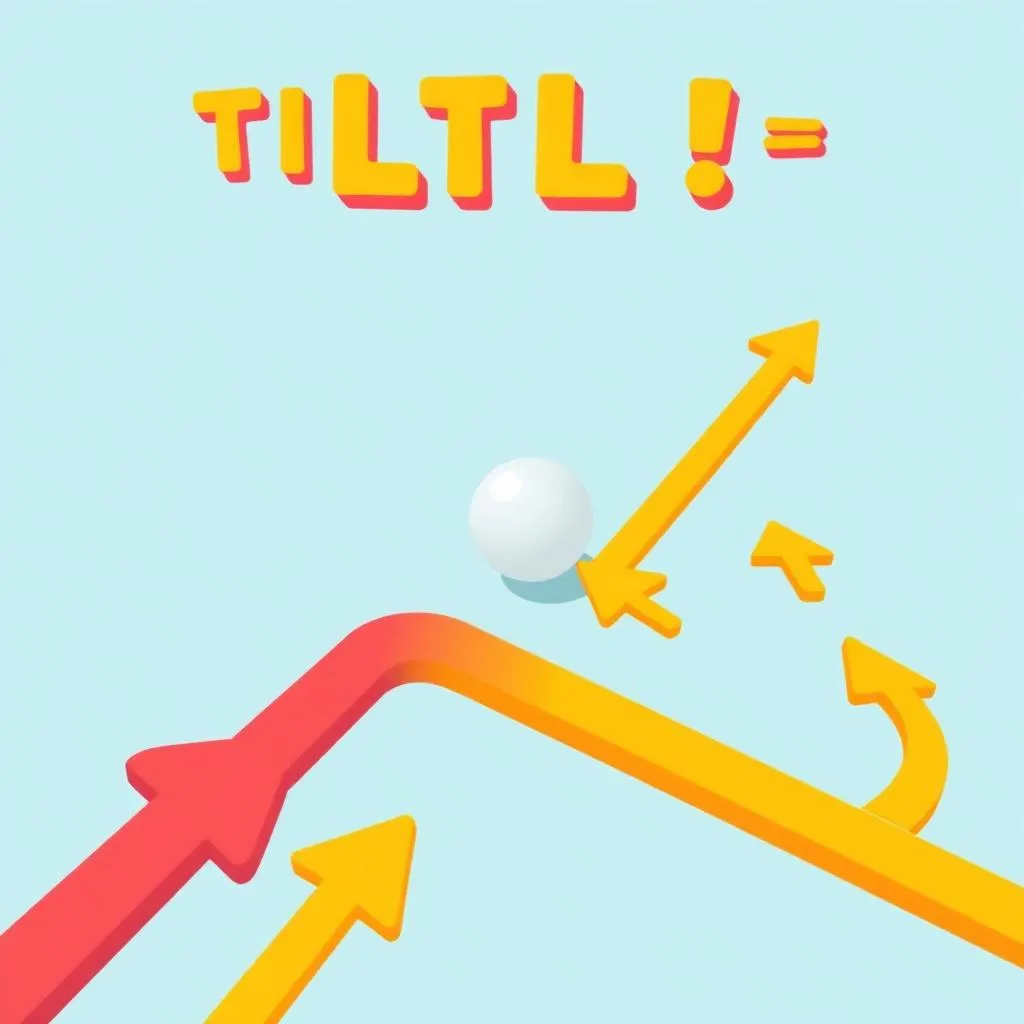
Micro:bit Tilt Maze
Accelerometer navigation
Capstone Project
STEAM Developer Showcase
A comprehensive project combining AI programming with micro:bit games
Assessment & Certification
Project-Based
Evaluation through creative projects, not tests or exams
Parent Updates
Regular progress reports and milestone celebrations.
Colonel Track
Complete Grade 2-3 Developer Pathway
Curriculum Details
Complete Captain curriculum
- Scratch & AI Fundamentals (24 sessions)
- Fun with Electronics (12 sessions)
- Micro:bit for Beginners (12 sessions)
- Advanced Scratch & Applied AI (24 sessions)
- Micro:bit Games (12 sessions)
Mobile app development with AI integration
- App Inventor interface and components
- Building mobile user interfaces
- Working with device sensors
- Creating AI-powered chatbots
- Publishing and sharing apps
Real-world projects with advanced sensors
- Music & soundscapes
- Wearable step counters
- Radio communication between devices
- Temperature monitoring stations
- Data logging & IoT concepts
Introduction to AI and ML with CreateAI
- CreateAI platform basics
- Training gesture recognition models
- Pose detection integration
- Smart automation projects
Learning Outcomes
Build and publish mobile apps
Create IoT and wearable projects
Apply AI & ML to physical computing
Design advanced sensor applications
Complete full-stack STEAM projects
Projects You'll Build
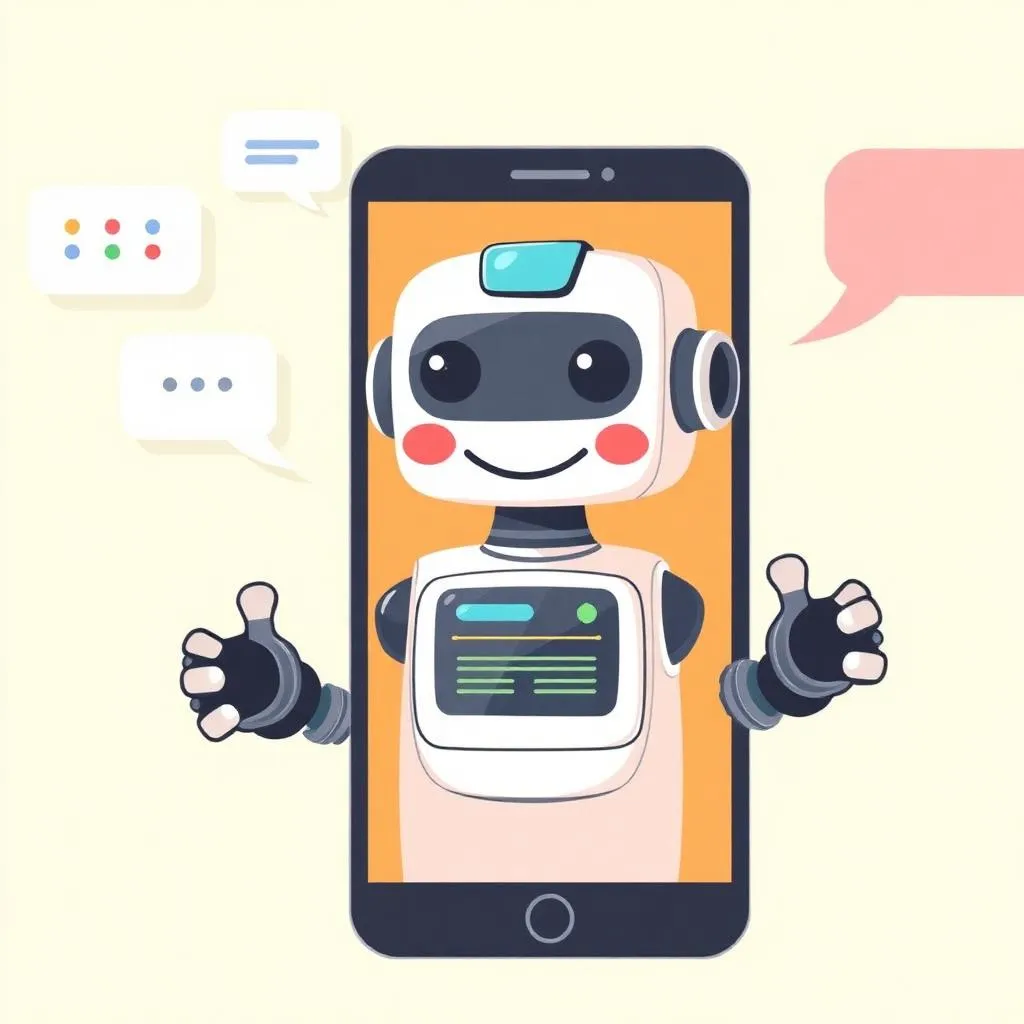
AI Chatbot App
Mobile AI assistant
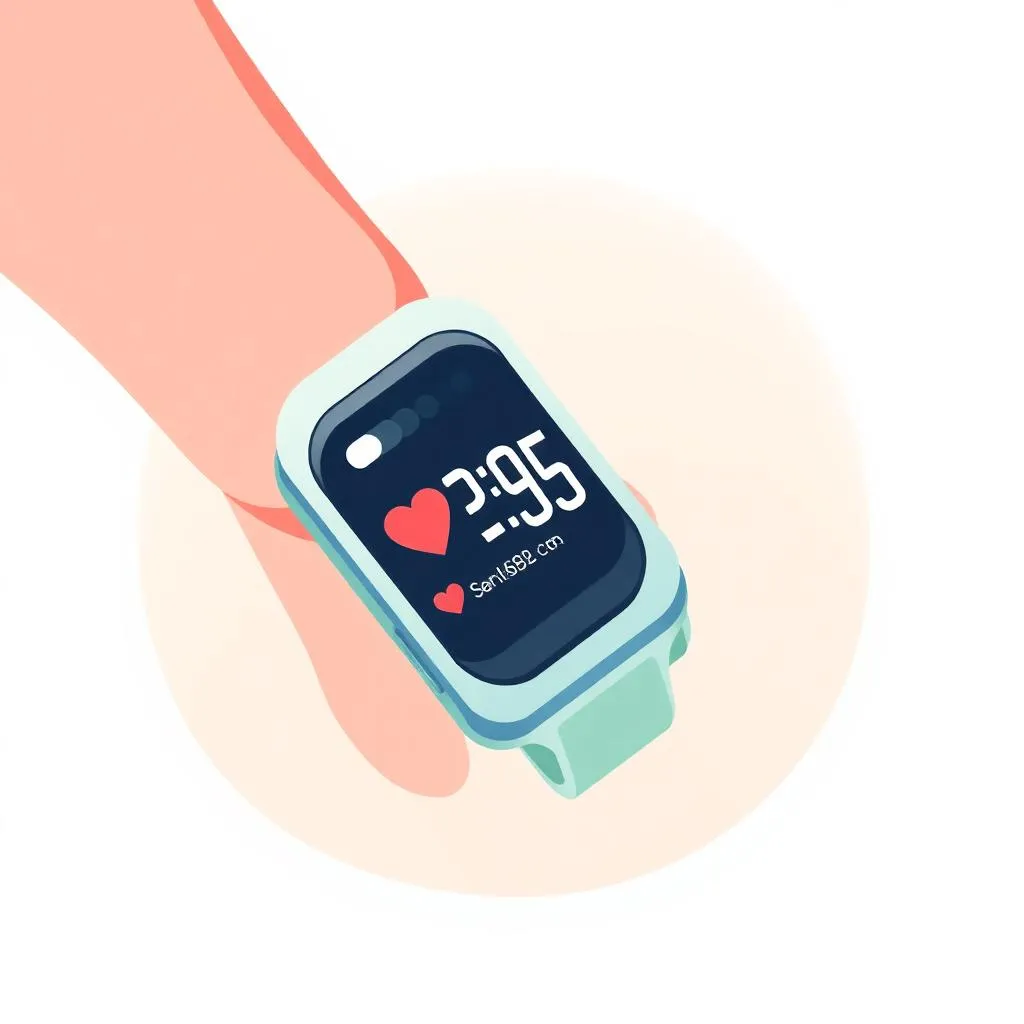
Wearable Step Counter
Fitness tracker project
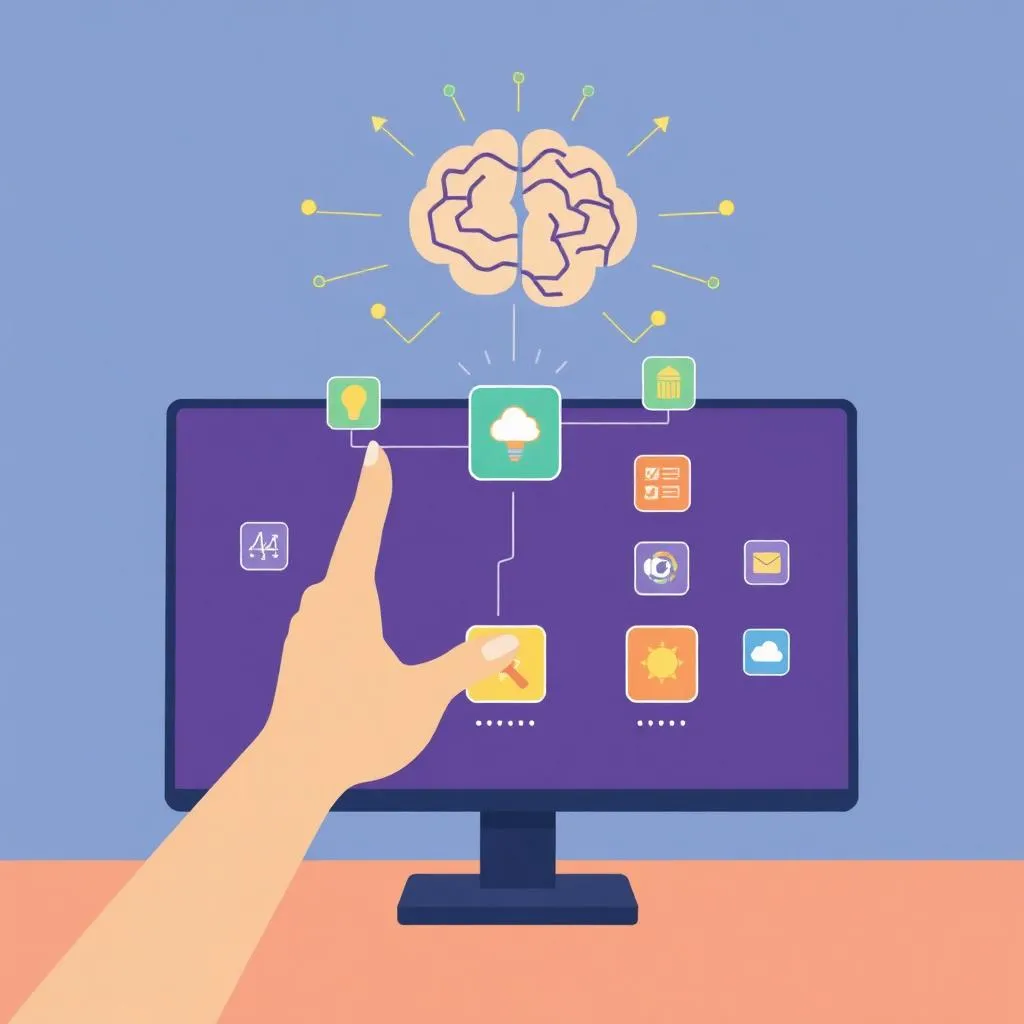
AI Gesture Controller
ML-powered controls
Capstone Project
STEAM Creator Showcase
A portfolio featuring mobile apps, IoT projects, and AI integration
Assessment & Certification
Project-Based
Evaluation through real projects, not tests or exams.
Parent Updates
Regular progress reports and milestone celebrations.
General Track
Ultimate Junior Tech Developer Pathway
Curriculum Details
Complete Colonel curriculum
- Scratch & AI Fundamentals (24 sessions)
- Fun with Electronics (12 sessions)
- Micro:bit for Beginners (12 sessions)
- Advanced Scratch & Applied AI (24 sessions)
- Micro:bit Games (12 sessions)
- MIT App Inventor + AI (24 sessions)
- Micro:bit Applications (25 sessions)
- AI & Machine Learning (9 sessions)
AI-powered content creation and storytelling
- Introduction to AI text generation
- AI image creation with prompts
- Prompt engineering techniques
- AI-powered storytelling
- No-code game creation with AI
Advanced sensors and autonomous robot concepts
- Servo motor control
- Distance & proximity sensors
- Line following basics
- Autonomous robot project
Learning Outcomes
Master generative AI tools
Design autonomous robots
Complete full STEAM mastery
Build portfolio-ready projects
Lead innovation projects
Projects You'll Build
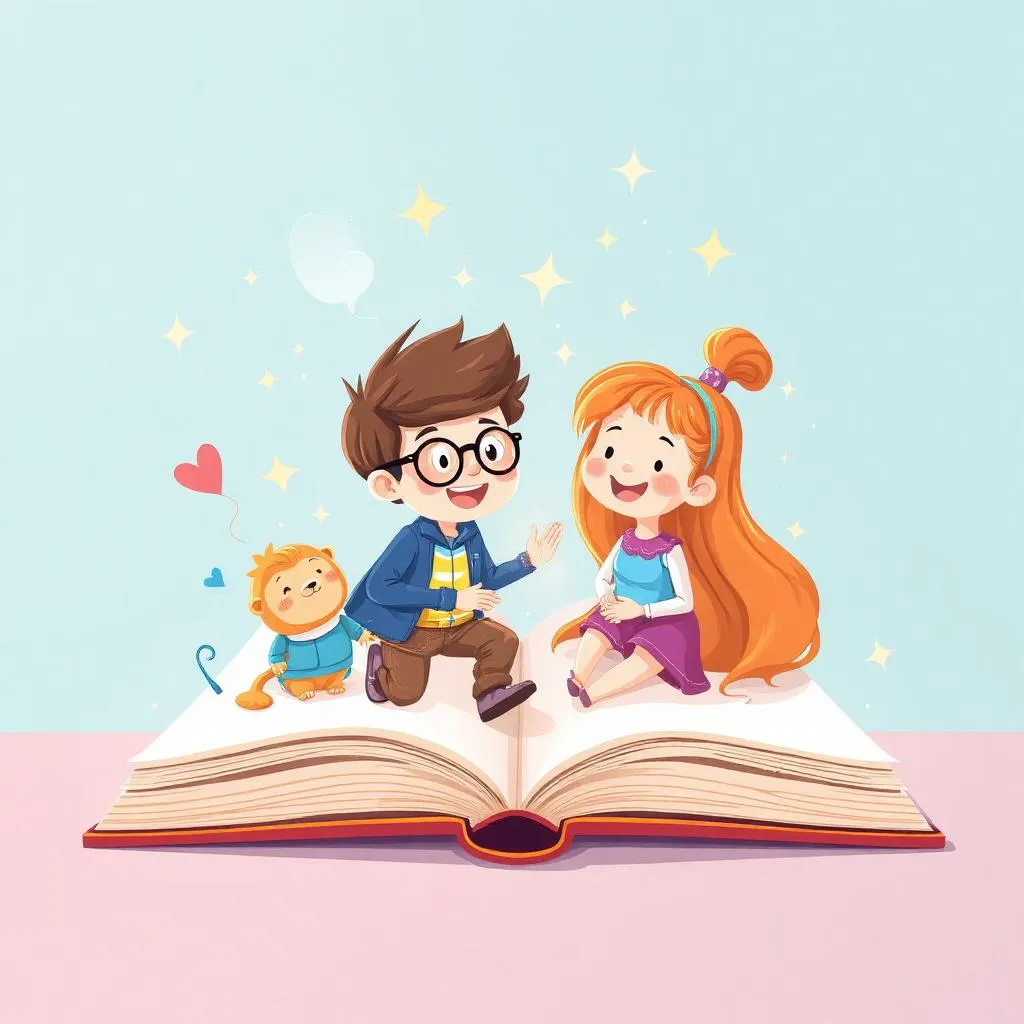
AI Storybook
AI-illustrated children’s story
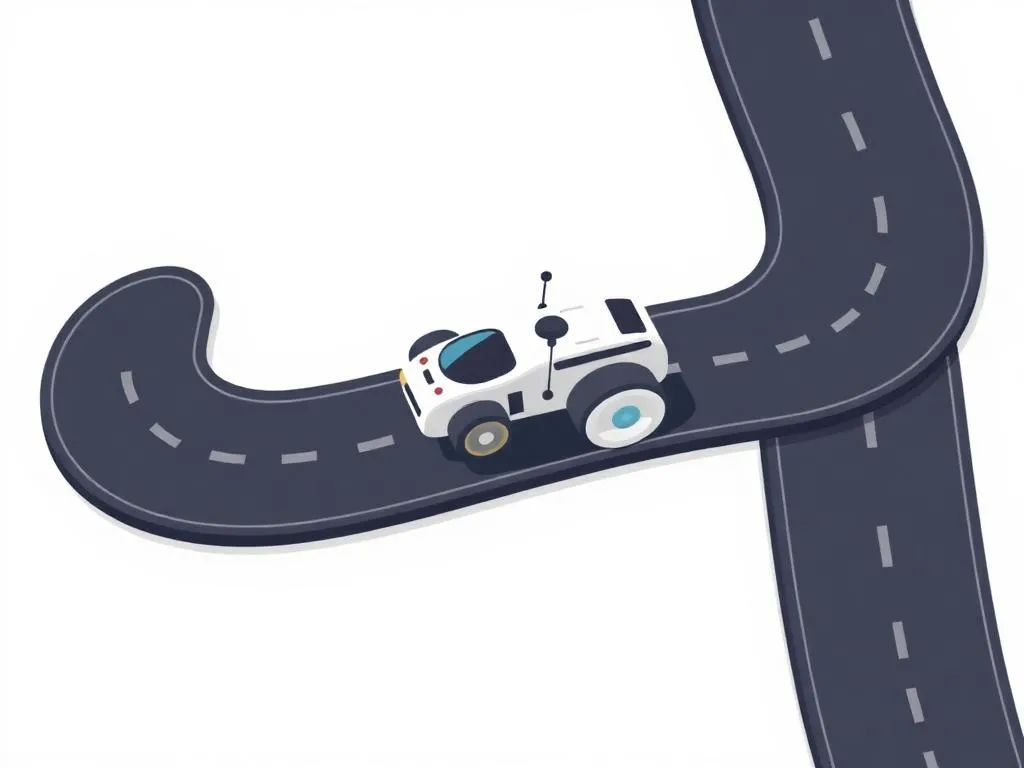
Line Following Robot
Autonomous navigation
Innovation Project
Combined STEAM showcase
Capstone Project
Junior STEAM Master Showcase
A comprehensive portfolio featuring coding, robotics, AI, and generative AI projects
Assessment & Certification
Project-Based
Evaluation through real projects, not tests or exams.
Parent Updates
Regular progress reports and milestone celebrations.